124 Chapter 7
P/N 130859-US, Manual Revision: AA Haemonetics
®
Cell Saver
®
Elite
®
+ User Manual
Overview
The Cell Saver
®
Elite
®
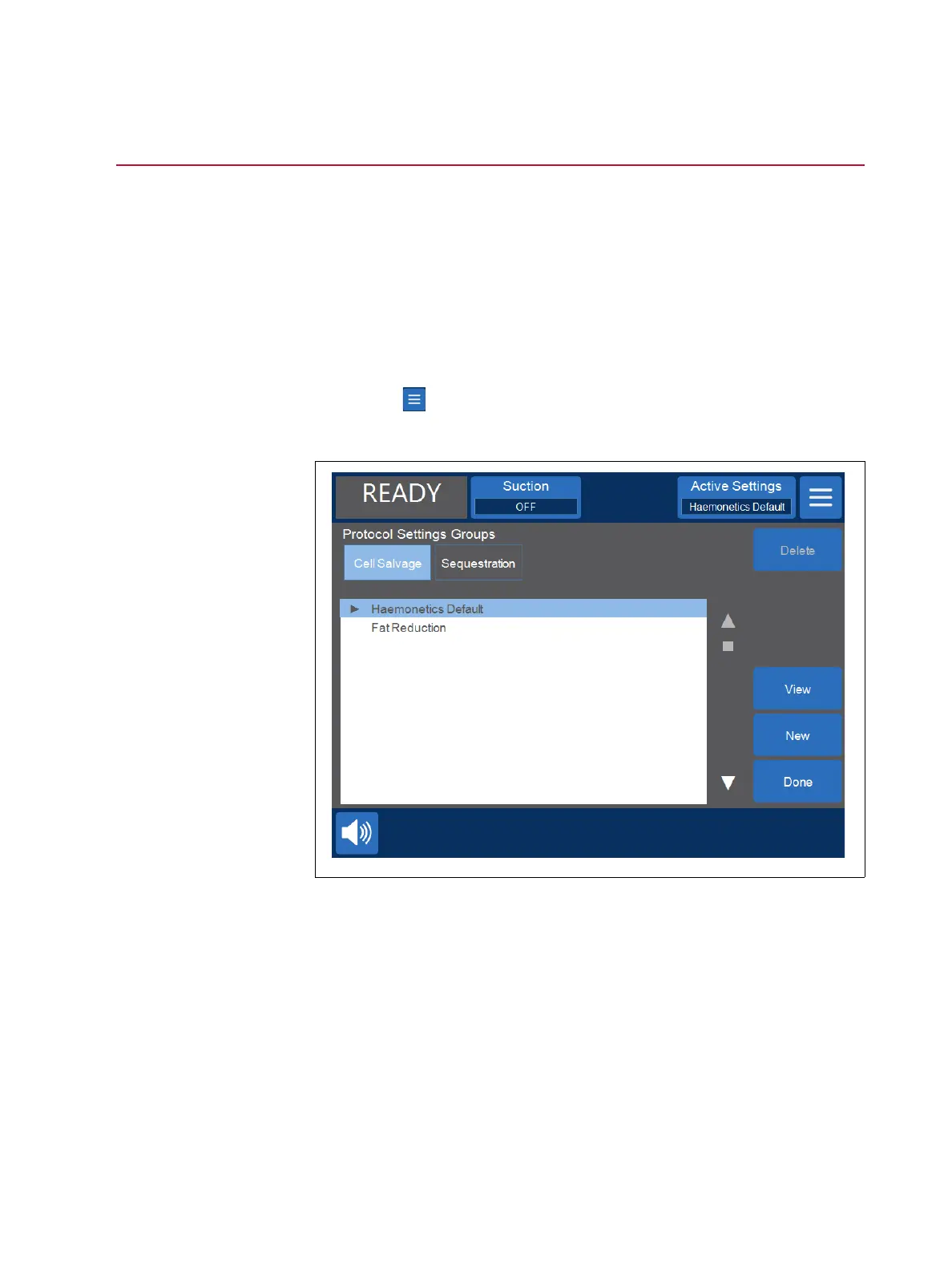
+ Settings screen provides an easy-to-use interface for
changing and saving protocol settings. Using the Settings screen, you can pre-
configure multiple settings and save them as a settings group. This enables
you to quickly change settings during a procedure by touching Active Settings
and selecting a different settings group from the drop-down list. The Cell Saver
Elite+ device can store up to 30 unique settings groups.
To access the Settings screen:
1. Touch (Menu).
2. Select Settings from the drop-down list. The Settings screen appears.
Figure 64, Example of the Settings screen
Touch Cell Salvage or Sequestration to access the settings groups for the
corresponding protocol.



 To Next Page