Equipment Description 45
Haemonetics
®
Cell Saver
®
Elite
®
+ User Manual P/N 130859-US, Manual Revision: AA
Device Settings
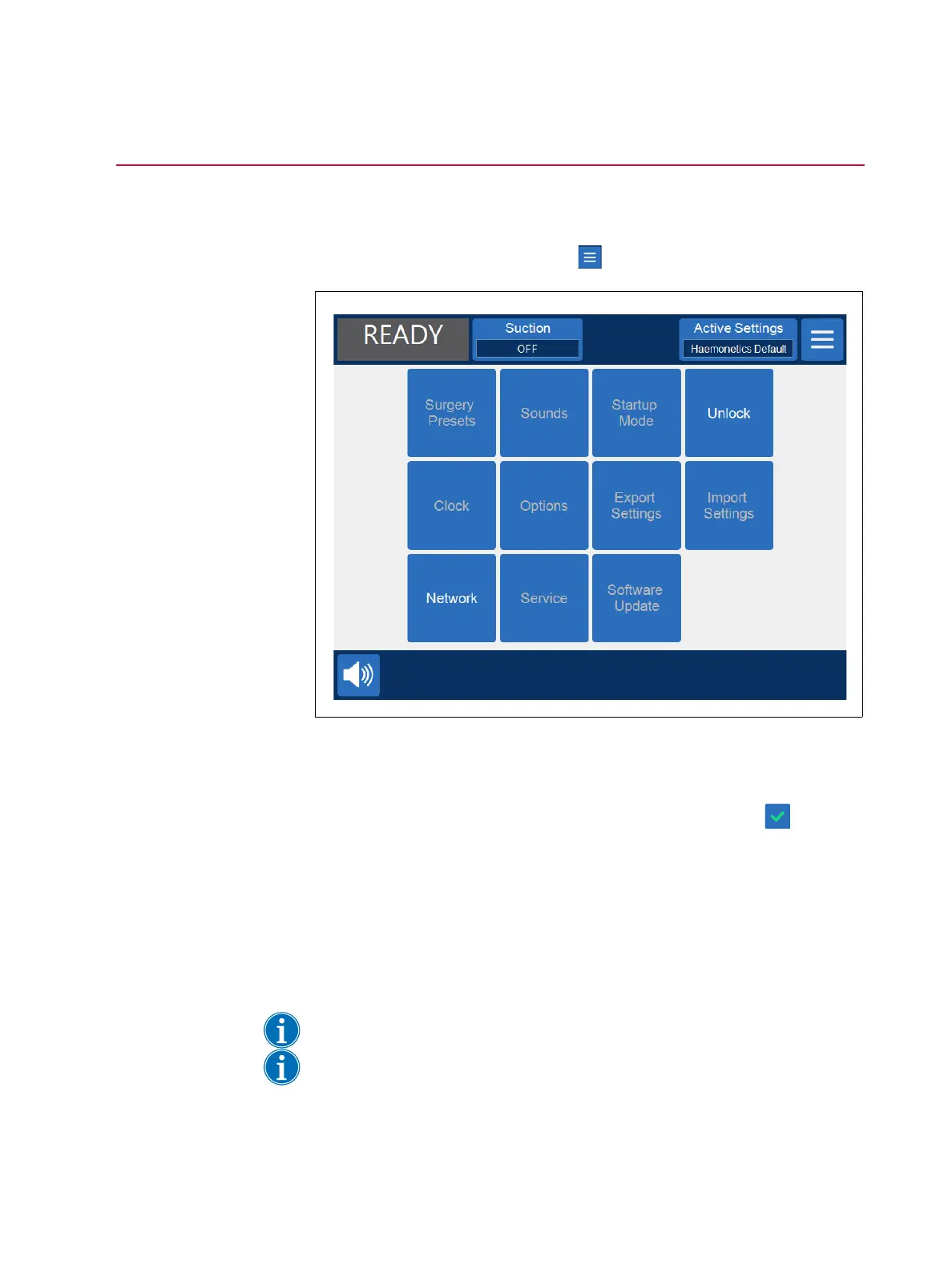
The System screen provides access to the Cell Saver Elite+ device settings.
To access the System screen, touch (Menu) and select System from the
drop-down menu.
Figure 21, Example of the System screen
The device settings are password protected with three different levels of
access: basic user, administrator, and Haemonetics technician. To unlock the
System screen, touch Unlock, enter your password, and touch (Accept).
The device setting options include:
Basic User Access (Password: USER)
Surgery Presets: Edit the list of surgeons, surgery types, and operators.
Clock: Change the date or time.
Administrator Access
Note: Administrator Access also provides Basic User Access.
Note: Contact your local Haemonetics representative for the Administrator
Access password.



 To Next Page