44 Chapter 2
P/N 130859-US, Manual Revision: AA Haemonetics
®
Cell Saver
®
Elite
®
+ User Manual
Note: If enabled, Manual Mode is available from the Active Settings drop-down
list; and, when enabled, Quick Transfer is available for the 225 mL bowl,
though is grayed out when the device is not in Pause or Standby. See “Making
the Quick Transfer and Manual Mode Settings Available” on page 136 for more
information.
Volume Pad
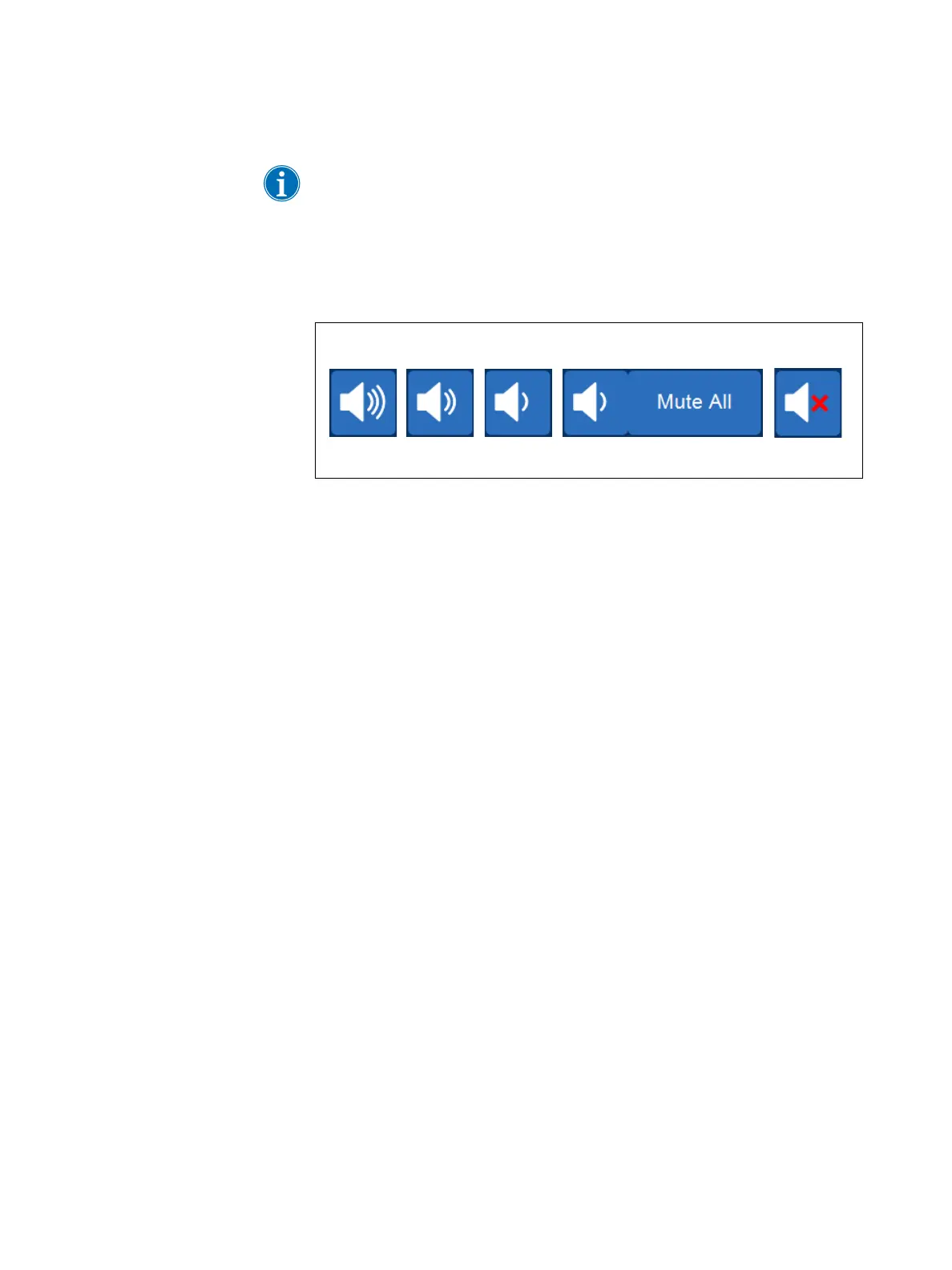
Figure 20, Stages of the Volume pad
The Volume pad controls the audible signal that sounds for any notices,
warnings, or alerts. When a red alert occurs, an audible signal sounds
continuously. You can temporarily silence the signal for that alert by touching
the Volume pad. During normal operation when no alert is occurring, you can
use the Volume pad to adjust the event volume or touch Mute All to mute the
signal for all events.



 To Next Page