Equipment Description 43
Haemonetics
®
Cell Saver
®
Elite
®
+ User Manual P/N 130859-US, Manual Revision: AA
Full: The device has detected approximately 8.5 liters of fluid in the waste
bag. It will not process additional fluid until the waste bag is replaced or
partially emptied.
Regulation Disabled: The pump speed is not being regulated. This icon
appears if the current settings group has pump regulation set to off or if
the pump speed has been manually adjusted from the default setting and
during Emergency Mode.
Replace Wash Solution: The air detector has sensed air while in the
Wash phase. This icon typically indicates the wash solution needs to be
replaced.
Unwashed Cells: This icon appears if the device enters the Empty phase
without executing a Wash phase.
Alert: The cells currently moving to the RBC bag have not been washed.
Wash Quality Unchecked:
This icon appears after starting the Empty
phase in Manual Mode.
Attention:
The cells currently moving to the RBC bag may not have been
washed.
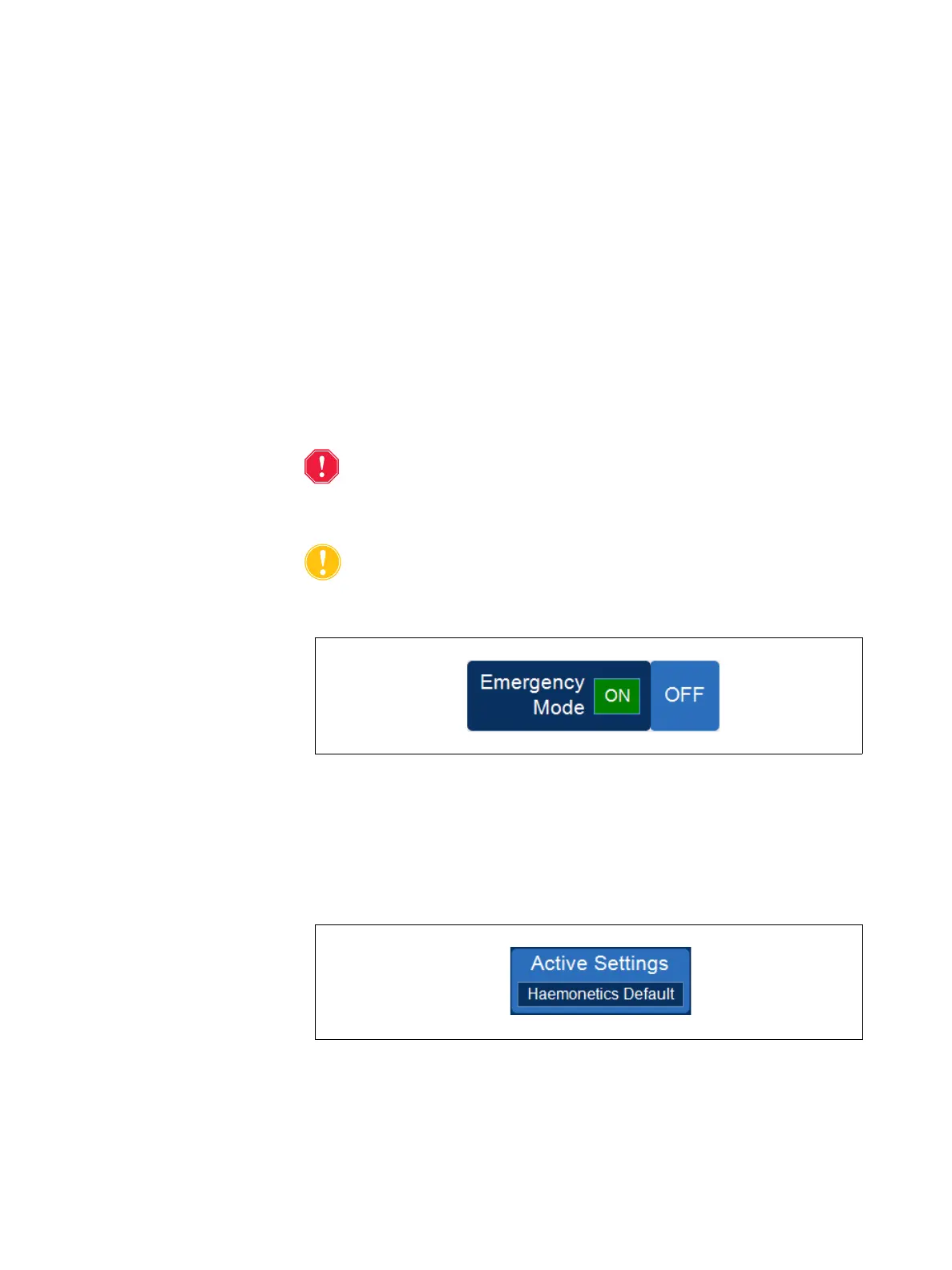
Emergency Mode Pad
Figure 18, Example of the Emergency Mode pad
The Emergency Mode pad allows the user to switch the device into
Emergency Mode. During Emergency Mode the device processes blood at
high speeds. Emergency Mode is not available when using a 70 mL bowl
processing set. See “Emergency Mode” on page 86 for more information.
Active Settings Pad
Figure 19, Example of the Active Settings pad
The Active Settings pad displays the current settings group selection. To
change the active settings group, touch Active Settings and select a different
settings group from the drop-down list.



 To Next Page