43
Speaker Setup
S
peaker SetupSpeaker Setup
Speaker Setup
It is important to set up the speaker system
correctly to accurately recreate the recorded
sound.
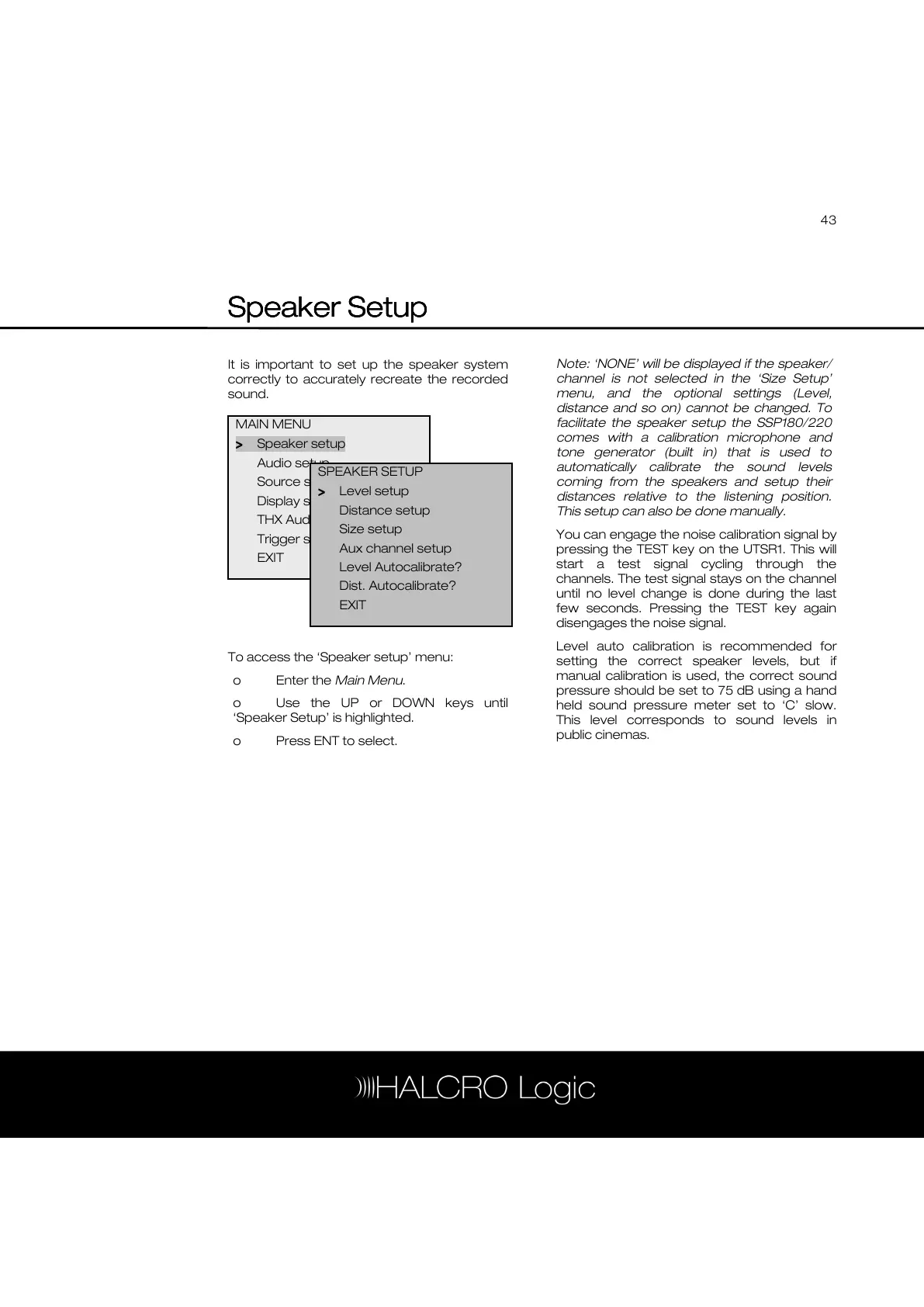
To access the ‘Speaker setup’ menu:
o Enter the Main Menu.
o Use the UP or DOWN keys until
‘Speaker Setup’ is highlighted.
o Press ENT to select.
Note: ‘NONE’ will be displayed if the speaker/
channel is not selected in the ‘Size Setup’
menu, and the optional settings (Level,
distance and so on) cannot be changed. To
facilitate the speaker setup the SSP180/220
comes with a calibration microphone and
tone generator (built in) that is used to
automatically calibrate the sound levels
coming from the speakers and setup their
distances relative to the listening position.
This setup can also be done manually.
You can engage the noise calibration signal by
pressing the TEST key on the UTSR1. This will
start a test signal cycling through the
channels. The test signal stays on the channel
until no level change is done during the last
few seconds. Pressing the TEST key again
disengages the noise signal.
Level auto calibration is recommended for
setting the correct speaker levels, but if
manual calibration is used, the correct sound
pressure should be set to 75 dB using a hand
held sound pressure meter set to ‘C’ slow.
This level corresponds to sound levels in
public cinemas.
MAIN MENU
>
>>
> Speaker setup
Audio setup
Source setup
Display setup
THX Audio setup
Trigger setup
EXIT
SPEAKER SETUP
>
>>
> Level setup
Distance setup
Size setup
Aux channel setup
Level Autocalibrate?
Dist. Autocalibrate?
EXIT



 To Next Page