49
Autocalibrate
Autocalibrate Autocalibrate
Autocalibrate —
——
— level and distance
level and distance level and distance
level and distance
There are two steps involved in the
Autocalibration; level and distance. Level
Autocalibration must be executed first to
provide a more accurate result regarding
subwoofer distance.
Before starting Autocalibration, make sure
there is no significant background noise,
which may interfere with the process. Also
have your microphone ready with one AA
battery installed, and connect the cable to the
base of the microphone and tighten the
plastic nut.
There must be no obstruction between the
calibration microphone and the speakers
during the Autocalibration process.
Do not stand between the microphone and
any speaker during this process.
To begin Autocalibration:
o Connect the microphone cable to the
MIC socket (15) on the SSP180/220 front
panel.
o Place the microphone in the listening
position with the mesh pointing to the ceiling.
o Switch the microphone ON by moving
the switch towards the dot.
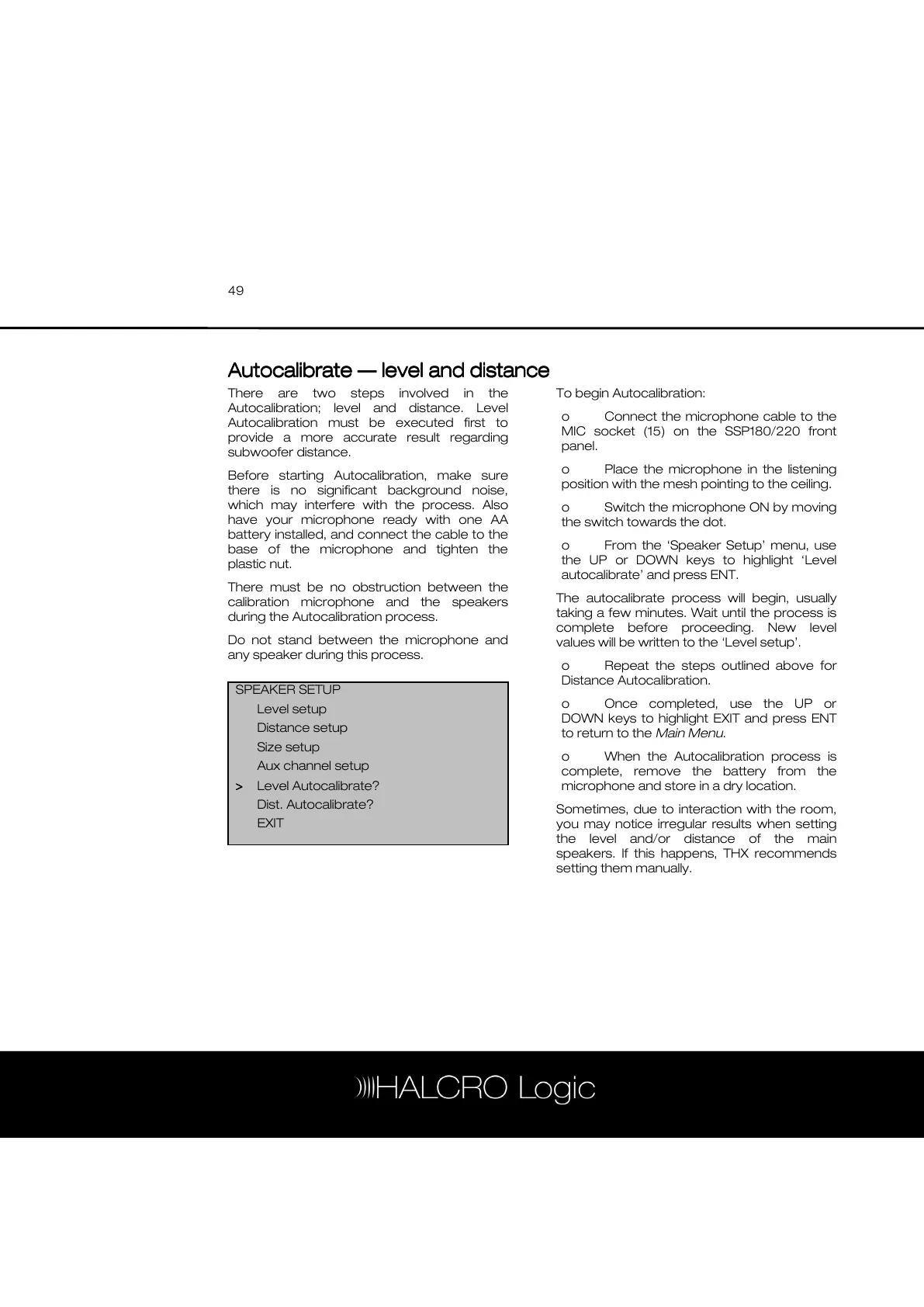
o From the ‘Speaker Setup’ menu, use
the UP or DOWN keys to highlight ‘Level
autocalibrate’ and press ENT.
The autocalibrate process will begin, usually
taking a few minutes. Wait until the process is
complete before proceeding. New level
values will be written to the ‘Level setup’.
o Repeat the steps outlined above for
Distance Autocalibration.
o Once completed, use the UP or
DOWN keys to highlight EXIT and press ENT
to return to the Main Menu.
o When the Autocalibration process is
complete, remove the battery from the
microphone and store in a dry location.
Sometimes, due to interaction with the room,
you may notice irregular results when setting
the level and/or distance of the main
speakers. If this happens, THX recommends
setting them manually.
SPEAKER SETUP
Level setup
Distance setup
Size setup
Aux channel setup
>
>>
> Level Autocalibrate?
Dist. Autocalibrate?
EXIT



 To Next Page