66
Continue as follows:
o Use the LEFT or RIGHT keys to
increase the volume until the noise sounds
distorted.
o Once the noise has distorted, use the
UP or DOWN keys to highlight Limiter noise.
o Then use the LEFT or RIGHT keys to
select Off.
o Use the UP or DOWN keys to highlight
Bass limiter.
o Use the LEFT or RIGHT keys to select
On.
The above steps have set a maximum
level so the subwoofer will not sound
distorted even during the loudest
passages.
o Once the setup is complete, use the
UP or DOWN keys to highlight EXIT to save
and return to the THX Audio Setup menu.
Note: If you have a very large subwoofer,
you can set Bass limiter to Off.
Boundary gain compensation
Boundary gain compensationBoundary gain compensation
Boundary gain compensation
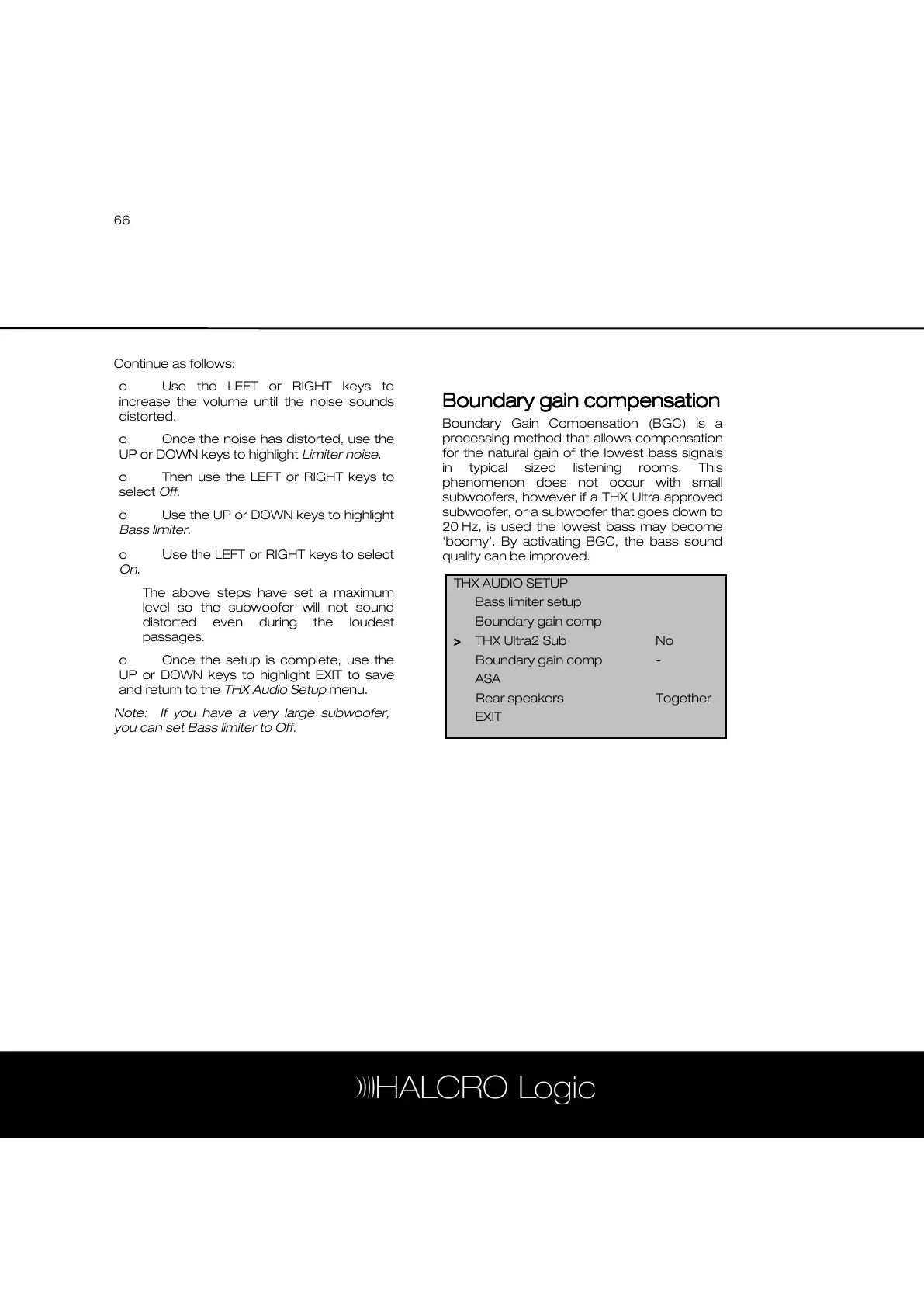
Boundary Gain Compensation (BGC) is a
processing method that allows compensation
for the natural gain of the lowest bass signals
in typical sized listening rooms. This
phenomenon does not occur with small
subwoofers, however if a THX Ultra approved
subwoofer, or a subwoofer that goes down to
20 Hz, is used the lowest bass may become
‘boomy’. By activating BGC, the bass sound
quality can be improved.
THX AUDIO SETUP
Bass limiter setup
Boundary gain comp
>
>>
> THX Ultra2 Sub No
Boundary gain comp -
ASA
Rear speakers Together
EXIT



 To Next Page