55
Balanced routing
Balanced routing Balanced routing
Balanced routing
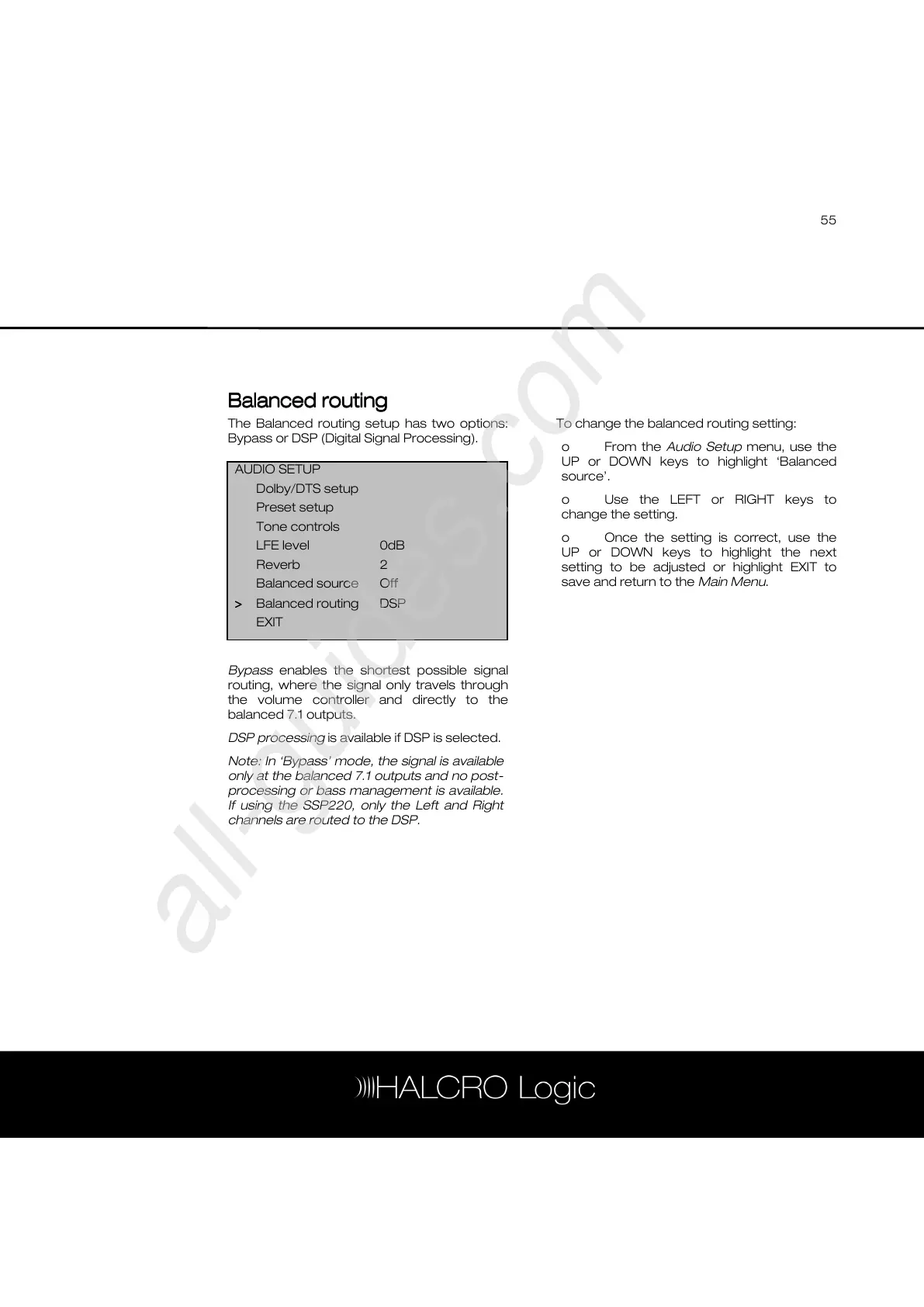
The Balanced routing setup has two options:
Bypass or DSP (Digital Signal Processing).
Bypass enables the shortest possible signal
routing, where the signal only travels through
the volume controller and directly to the
balanced 7.1 outputs.
DSP processing is available if DSP is selected.
Note: In ‘Bypass’ mode, the signal is available
only at the balanced 7.1 outputs and no post-
processing or bass management is available.
If using the SSP220, only the Left and Right
channels are routed to the DSP.
To change the balanced routing setting:
o From the Audio Setup menu, use the
UP or DOWN keys to highlight ‘Balanced
source’.
o Use the LEFT or RIGHT keys to
change the setting.
o Once the setting is correct, use the
UP or DOWN keys to highlight the next
setting to be adjusted or highlight EXIT to
save and return to the Main Menu.
AUDIO SETUP
Dolby/DTS setup
Preset setup
Tone controls
LFE level 0dB
Reverb 2
Balanced source Off
>
>>
> Balanced routing DSP
EXIT



 To Next Page