67
To adjust the Boundary gain comp setting:
o From the THX Audio Setup menu, use
the UP or DOWN keys to highlight THX Ultra2
Sub.
o Use the LEFT or RIGHT keys to
change the setting (Yes/No).
o Once the setting is correct, use the
UP or DOWN keys to highlight the Boundary
gain comp.
o Use the LEFT or RIGHT keys to
change the setting (On/Off).
o Once the setting is correct, use the
UP or DOWN keys to highlight the next
setting to be adjusted or highlight EXIT to
save and return to the Main Menu.
Advanced speaker array
Advanced speaker array Advanced speaker array
Advanced speaker array
Advanced Speaker Array (ASA) is a THX
processing method that increases the ‘sweet
spot’ area depending on the spacing of the
rear speakers.
Select the following ‘Rear speaker’ separation:
• together — closer than 4 feet (1.2 m)
• close — 4 feet (1.2 m)
• apart — further apart than 4 feet (1.2 m)
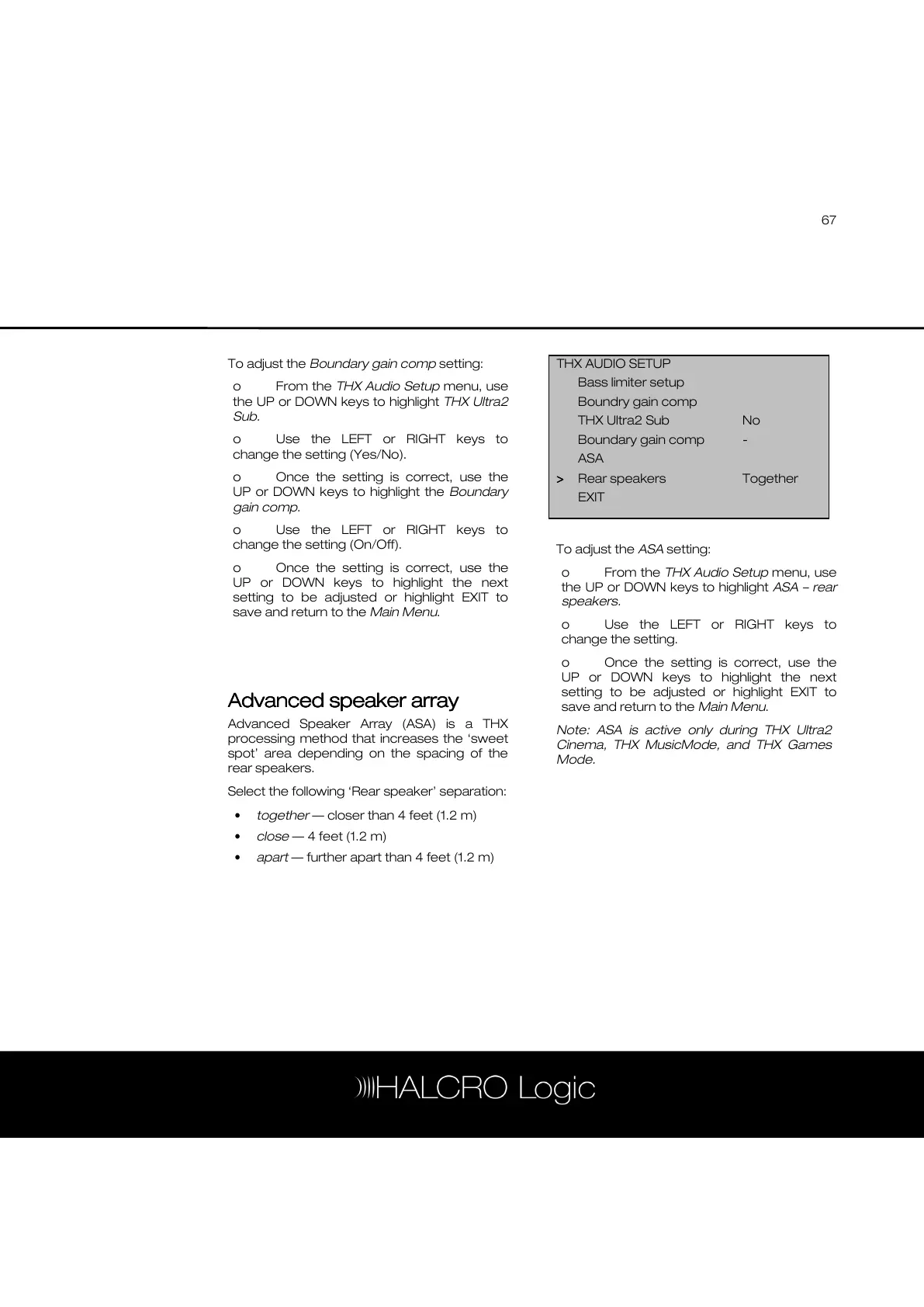
To adjust the ASA setting:
o From the THX Audio Setup menu, use
the UP or DOWN keys to highlight ASA – rear
speakers.
o Use the LEFT or RIGHT keys to
change the setting.
o Once the setting is correct, use the
UP or DOWN keys to highlight the next
setting to be adjusted or highlight EXIT to
save and return to the Main Menu.
Note: ASA is active only during THX Ultra2
Cinema, THX MusicMode, and THX Games
Mode.
THX AUDIO SETUP
Bass limiter setup
Boundry gain comp
THX Ultra2 Sub No
Boundary gain comp -
ASA
>
>>
> Rear speakers Together
EXIT



 To Next Page