68
Trigger Setup
T
rigger SetupTrigger Setup
Trigger Setup
If the SSP180/220 is connected to
components with provision for a trigger, you
can automatically turn them on and off with
the Trigger sense 1 or 2 option. Connect a
trigger output (33) from the SSP to the trigger
input of your power amplifier, TV
monitor/projector etc and use the Trigger
setup menu to modify the settings.
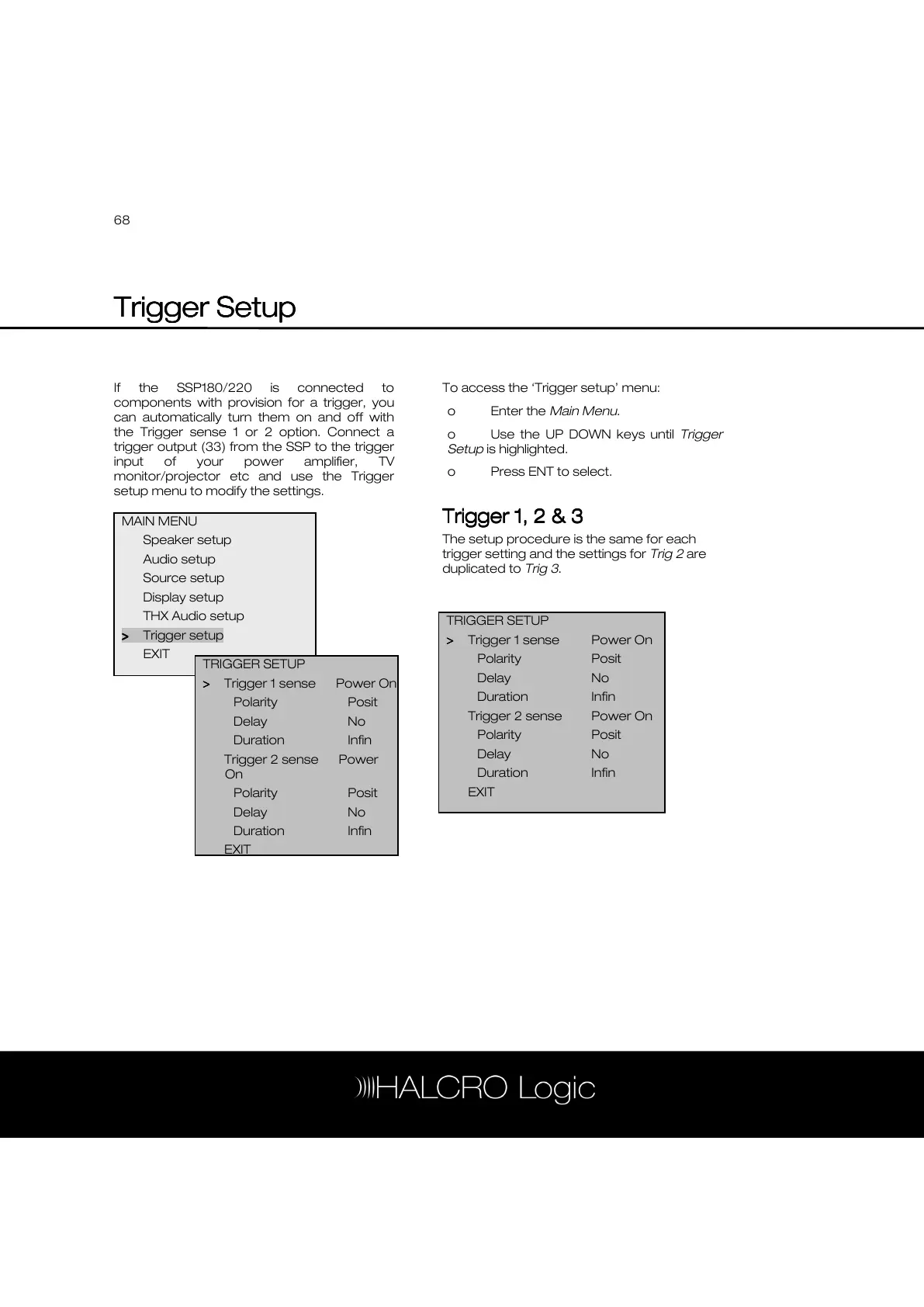
To access the ‘Trigger setup’ menu:
o Enter the Main Menu.
o Use the UP DOWN keys until Trigger
Setup is highlighted.
o Press ENT to select.
Trigger 1, 2 & 3
Trigger 1, 2 & 3Trigger 1, 2 & 3
Trigger 1, 2 & 3
The setup procedure is the same for each
trigger setting and the settings for Trig 2 are
duplicated to Trig 3.
MAIN MENU
Speaker setup
Audio setup
Source setup
Display setup
THX Audio setup
>
>>
> Trigger setup
EXIT
TRIGGER SETUP
>
>>
> Trigger 1 sense Power On



 To Next Page