45
To set up speaker distances:
o From the ‘Speaker Setup’ menu, use
the UP or DOWN keys to highlight ‘Distance
Setup’ and press ENT.
o Use the UP or DOWN keys to highlight
the speaker/channel distance you want to
adjust.
o Use the LEFT or RIGHT keys to adjust
the distance to the correct setting.
o Repeat this process until you are
happy with all distance settings.
o Use the UP or DOWN keys to highlight
EXIT and press ENT to return to the ‘Speaker
setup’ menu.
Note: The adjustment range is from 0ft (0m)
to 63ft (21m).
Note: The maximum difference in distance
from speakers to the listening position is 15 ft
(5 m). A rounding of ‘1 ft = 1 ms’ and ‘3ft = 1m’
is used. Refer to ‘Display setup’, ‘Distance
units’ to change setup from feet to meters.
Distance values that are ‘Too distant’ are
highlighted in a different color (usually red).
The highlighted speaker should be moved
closer or the nearest speaker should be move
further away.
Size setup
Size setupSize setup
Size setup
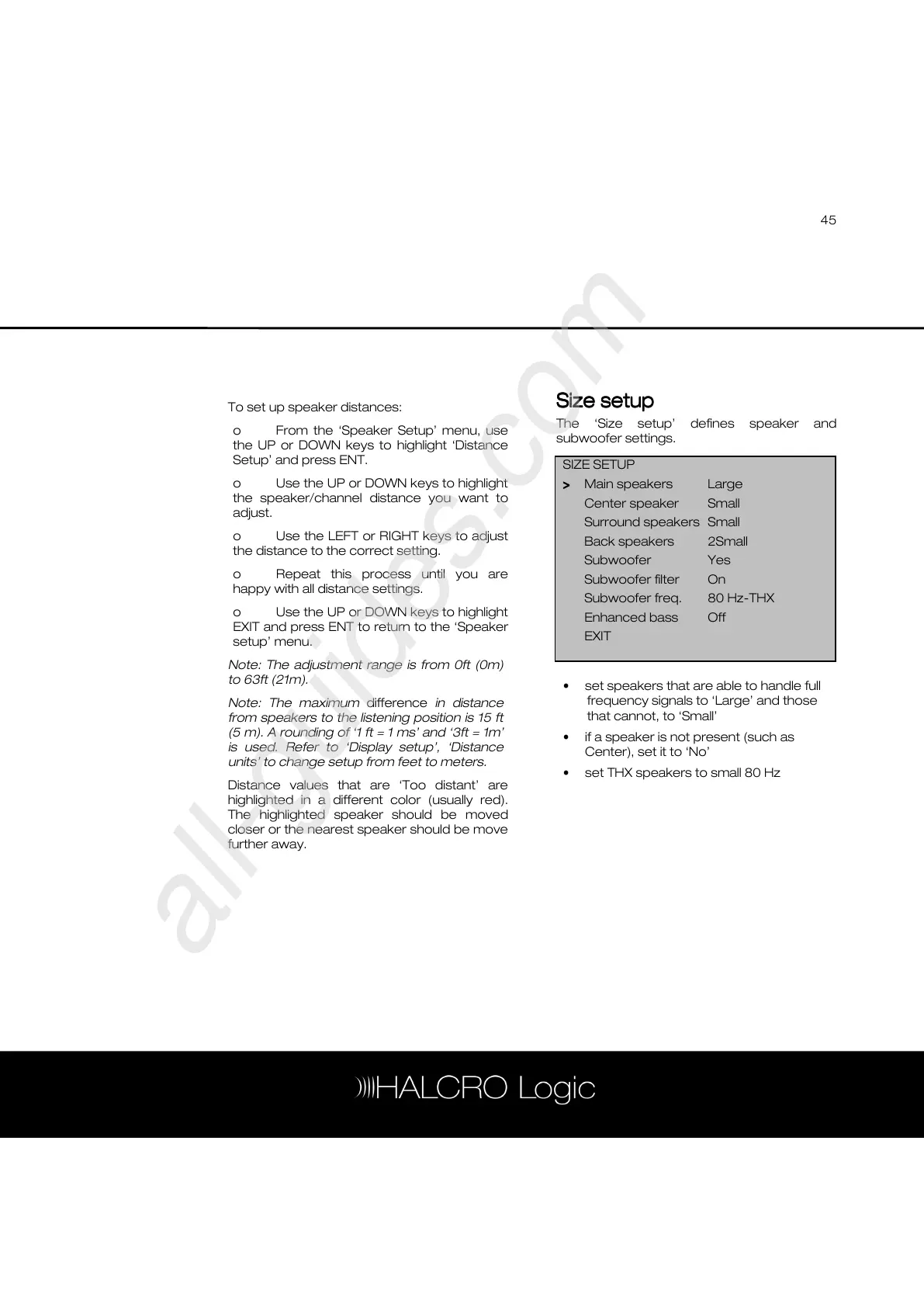
The ‘Size setup’ defines speaker and
subwoofer settings.
• set speakers that are able to handle full
frequency signals to ‘Large’ and those
that cannot, to ‘Small’
• if a speaker is not present (such as
Center), set it to ‘No’
• set THX speakers to small 80 Hz
SIZE SETUP
>
>>
> Main speakers Large
Center speaker Small
Surround speakers Small
Back speakers 2Small
Subwoofer Yes
Subwoofer filter On
Subwoofer freq. 80 Hz-THX
Enhanced bass Off
EXIT



 To Next Page