69
Trigger sense1 sets which action or system
state activates the trigger output. Use the
following settings as required:
• Power On — activates trigger when
switching out of STANDBY and de-
activates when returning to STANDBY
• Source — activates trigger output when
you select any of the sources. For
example: Video1, Video2, Audio1, Audio2
(The names listed may vary if you have
customized source ‘Titles’ in the Source
Setup menu.)
• Dimmer — activates trigger when the
VFD is dimmed, so you can control for
example the lighting of the room at the
same time
• Compos — activates trigger when the
system receives a composite video signal
• S-video — activates trigger when the
system receives an S-video signal
• VidSign — activates trigger when either
composite video or S-video is received
• VidSrc — activates trigger when video
source is selected
• AudSrc — activates trigger when audio
source is selected
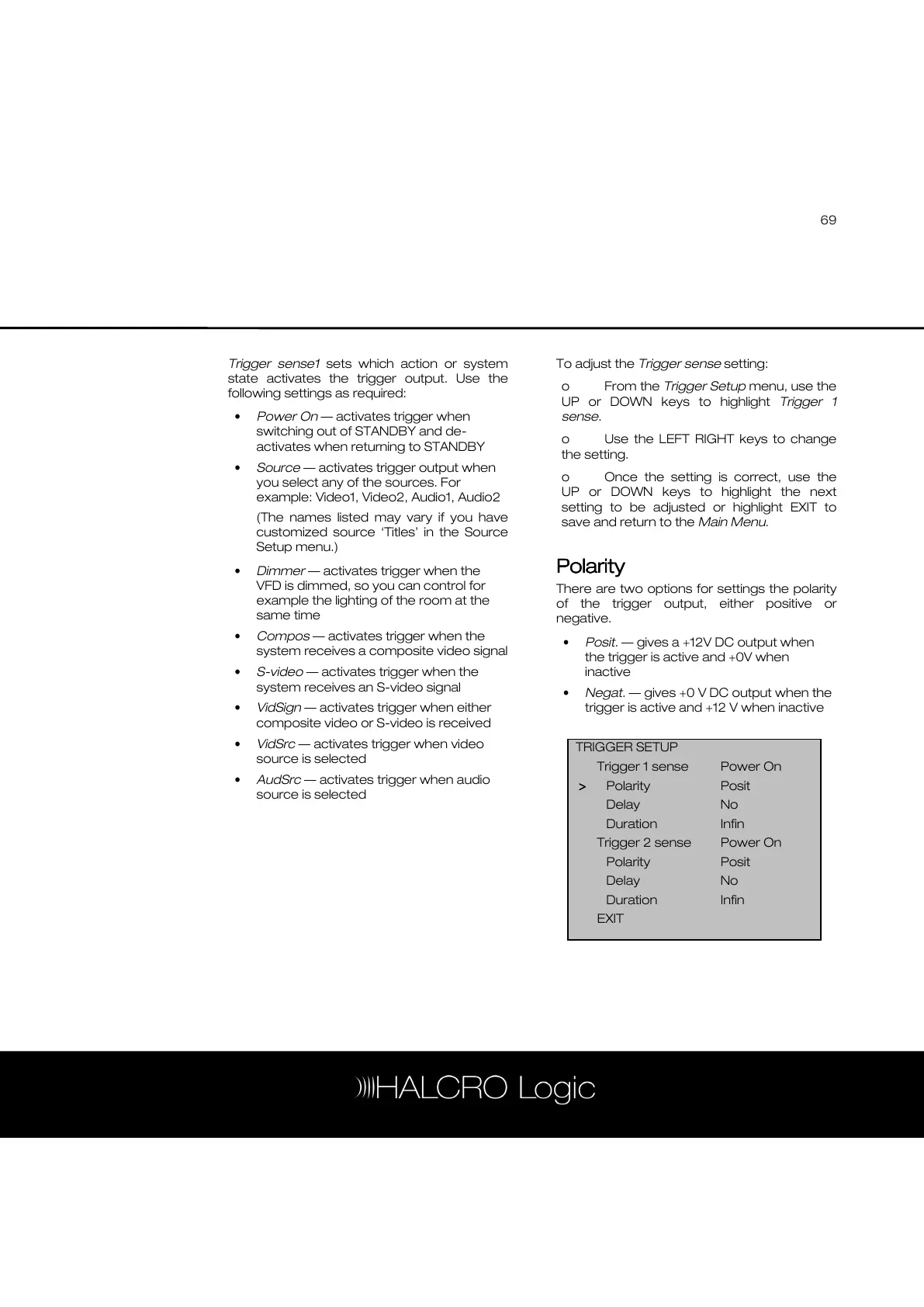
To adjust the Trigger sense setting:
o From the Trigger Setup menu, use the
UP or DOWN keys to highlight Trigger 1
sense.
o Use the LEFT RIGHT keys to change
the setting.
o Once the setting is correct, use the
UP or DOWN keys to highlight the next
setting to be adjusted or highlight EXIT to
save and return to the Main Menu.
Polarity
PolarityPolarity
Polarity
There are two options for settings the polarity
of the trigger output, either positive or
negative.
• Posit. — gives a +12V DC output when
the trigger is active and +0V when
inactive
• Negat. — gives +0 V DC output when the
trigger is active and +12 V when inactive
TRIGGER SETUP
Trigger 1 sense Power On
>
>>
> Polarity Posit
Delay No
Duration Infin
Trigger 2 sense Power On
Polarity Posit
Delay No
Duration Infin
EXIT



 To Next Page