58
Digital input
Digital inputDigital input
Digital input
There are nine digital inputs that can be
assigned to a source: coax 1, coax 2, coax 3,
coax 4, Opt 1, Opt 2, AES/EBU, HDMI and
HDMI MPCM.
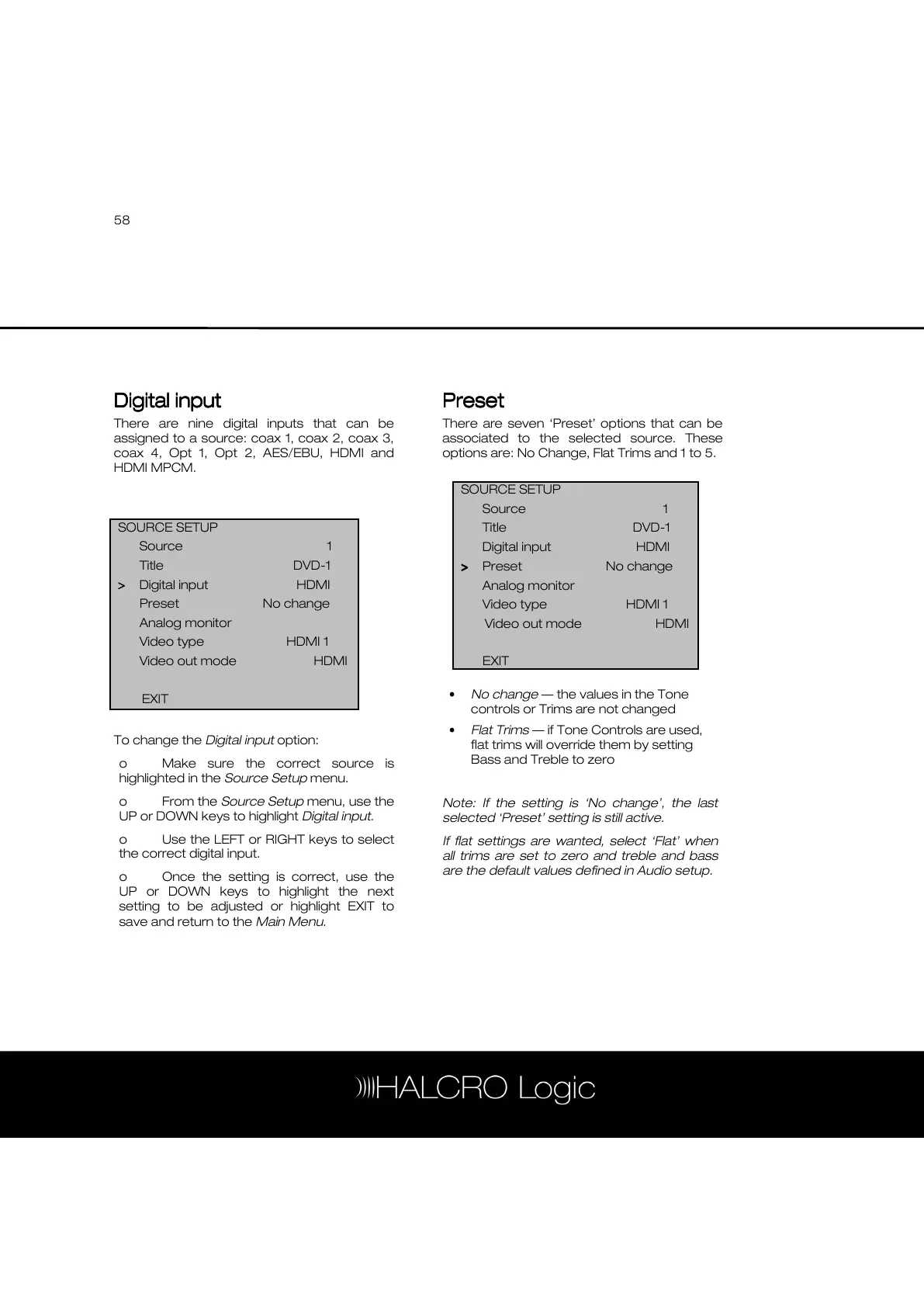
To change the Digital input option:
o Make sure the correct source is
highlighted in the Source Setup menu.
o From the Source Setup menu, use the
UP or DOWN keys to highlight Digital input.
o Use the LEFT or RIGHT keys to select
the correct digital input.
o Once the setting is correct, use the
UP or DOWN keys to highlight the next
setting to be adjusted or highlight EXIT to
save and return to the Main Menu.
Preset
PresetPreset
Preset
There are seven ‘Preset’ options that can be
associated to the selected source. These
options are: No Change, Flat Trims and 1 to 5.
• No change — the values in the Tone
controls or Trims are not changed
• Flat Trims — if Tone Controls are used,
flat trims will override them by setting
Bass and Treble to zero
Note: If the setting is ‘No change’, the last
selected ‘Preset’ setting is still active.
If flat settings are wanted, select ‘Flat’ when
all trims are set to zero and treble and bass
are the default values defined in Audio setup.
SOURCE SETUP
Source 1
Title DVD-1
Digital input HDMI
>
>>
> Preset No change
Analog monitor
Video type HDMI 1
Video out mode HDMI



 To Next Page