70
To adjust the Polarity setting:
o From the Trigger Setup menu, use the
UP or DOWN keys to highlight Polarity.
o Use the LEFT or RIGHT keys to
change the setting (Posit/Negat).
o Once the setting is correct, use the
UP or DOWN keys to highlight the next
setting to be adjusted or highlight EXIT to
save and return to the Main Menu.
Delay
Delay Delay
Delay
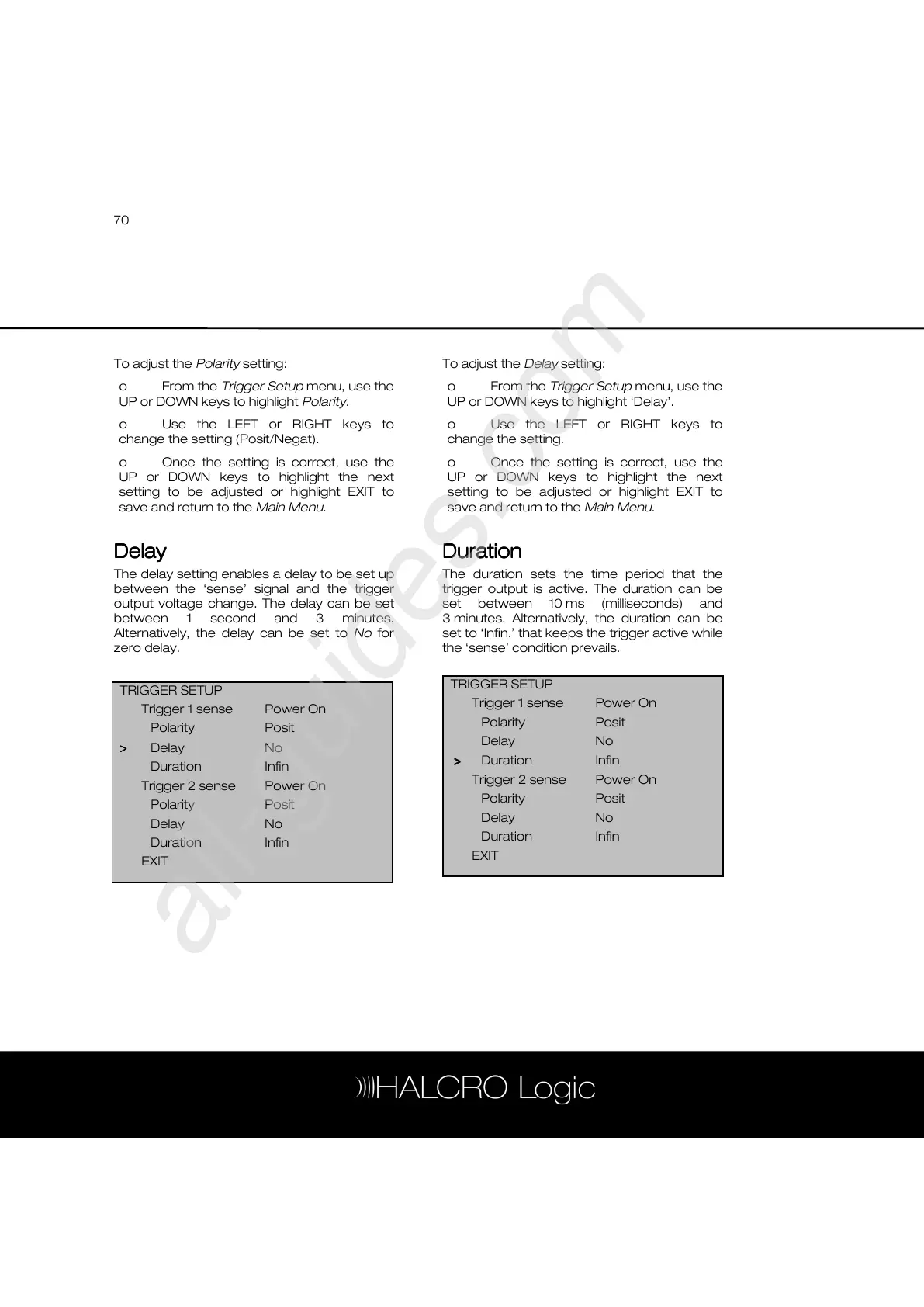
The delay setting enables a delay to be set up
between the ‘sense’ signal and the trigger
output voltage change. The delay can be set
between 1 second and 3 minutes.
Alternatively, the delay can be set to No for
zero delay.
To adjust the Delay setting:
o From the Trigger Setup menu, use the
UP or DOWN keys to highlight ‘Delay’.
o Use the LEFT or RIGHT keys to
change the setting.
o Once the setting is correct, use the
UP or DOWN keys to highlight the next
setting to be adjusted or highlight EXIT to
save and return to the Main Menu.
Duration
DurationDuration
Duration
The duration sets the time period that the
trigger output is active. The duration can be
set between 10 ms (milliseconds) and
3 minutes. Alternatively, the duration can be
set to ‘Infin.’ that keeps the trigger active while
the ‘sense’ condition prevails.
TRIGGER SETUP
Trigger 1 sense Power On
Polarity Posit
Delay No
>
>>
> Duration Infin
Trigger 2 sense Power On
Polarity Posit
Delay No
Duration Infin
EXIT
TRIGGER SETUP
Trigger 1 sense Power On
Polarity Posit
>
>>
> Delay No
Duration Infin
Trigger 2 sense Power On
Polarity Posit
Delay No
Duration Infin
EXIT



 To Next Page