56
Source Setup
S
ource SetupSource Setup
Source Setup
The SSP180/220 is shipped with factory
default settings and the Source Setup menu
allows customization of each audio/video
source.
Source numbers correspond to the source
input numbers on the rear panel of the
SSP180/220 (39). Sources 1 to 6 have their
respective Analog Audio Inputs, Composite
Video Inputs and S-video Inputs linked. All
other inputs are assignable to any of the ten
input sources.
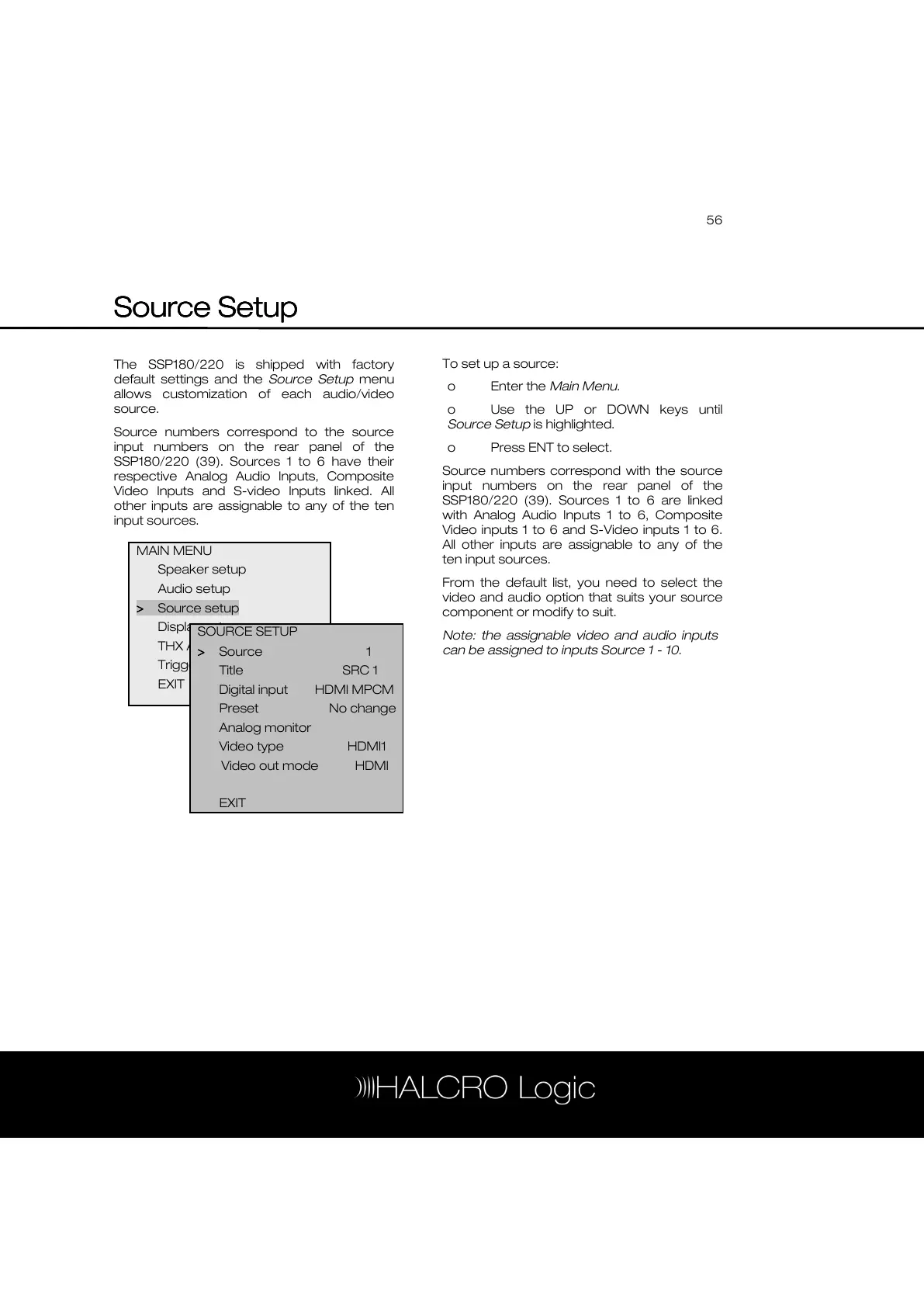
To set up a source:
o Enter the Main Menu.
o Use the UP or DOWN keys until
Source Setup is highlighted.
o Press ENT to select.
Source numbers correspond with the source
input numbers on the rear panel of the
SSP180/220 (39). Sources 1 to 6 are linked
with Analog Audio Inputs 1 to 6, Composite
Video inputs 1 to 6 and S-Video inputs 1 to 6.
All other inputs are assignable to any of the
ten input sources.
From the default list, you need to select the
video and audio option that suits your source
component or modify to suit.
Note: the assignable video and audio inputs
can be assigned to inputs Source 1 - 10.
MAIN MENU
Speaker setup
Audio setup
>
>>
> Source setup
Display setup
THX Audio setup
Trigger setup
EXIT
SOURCE SETUP
>
>>
> Source 1
Title SRC 1
Digital input HDMI MPCM
Preset No change



 To Next Page