54
Reverb
ReverbReverb
Reverb
The Reverb-parameter adjusts the level of
reverberation effect of the ambient music
modes (Dry, 1,2,3, Wet). Dry has the least
reverberation and Wet has the most. With this
control it is possible to manipulate the
ambience of the listening area to replicate a
range of listening environments.
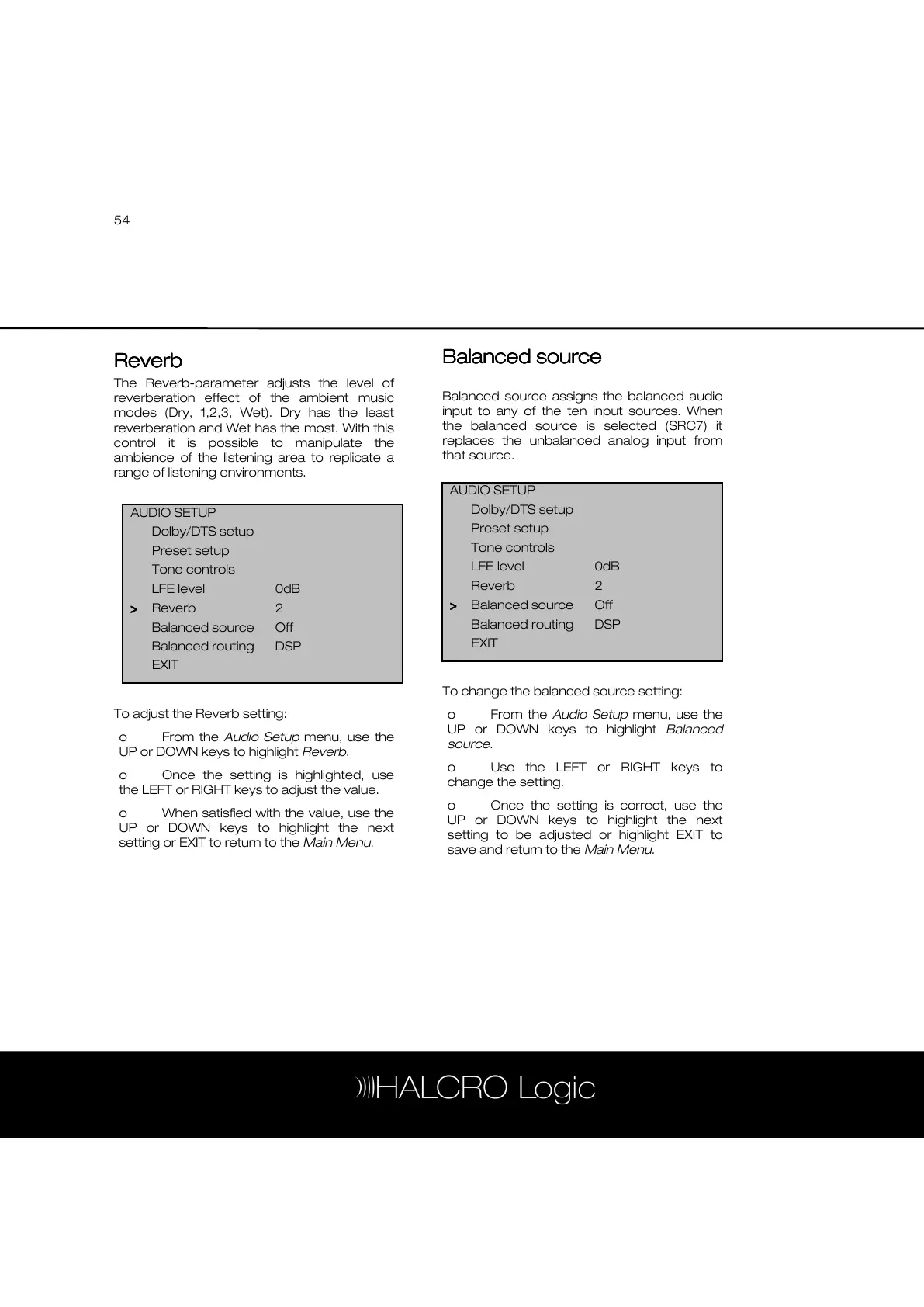
To adjust the Reverb setting:
o From the Audio Setup menu, use the
UP or DOWN keys to highlight Reverb.
o Once the setting is highlighted, use
the LEFT or RIGHT keys to adjust the value.
o When satisfied with the value, use the
UP or DOWN keys to highlight the next
setting or EXIT to return to the Main Menu.
Balanced source
Balanced source Balanced source
Balanced source
Balanced source assigns the balanced audio
input to any of the ten input sources. When
the balanced source is selected (SRC7) it
replaces the unbalanced analog input from
that source.
To change the balanced source setting:
o From the Audio Setup menu, use the
UP or DOWN keys to highlight Balanced
source.
o Use the LEFT or RIGHT keys to
change the setting.
o Once the setting is correct, use the
UP or DOWN keys to highlight the next
setting to be adjusted or highlight EXIT to
save and return to the Main Menu.
AUDIO SETUP
Dolby/DTS setup
Preset setup
Tone controls
LFE level 0dB
Reverb 2
>
>>
> Balanced source Off
Balanced routing DSP
EXIT



 To Next Page