61
Display Setup
Display SetupDisplay Setup
Display Setup
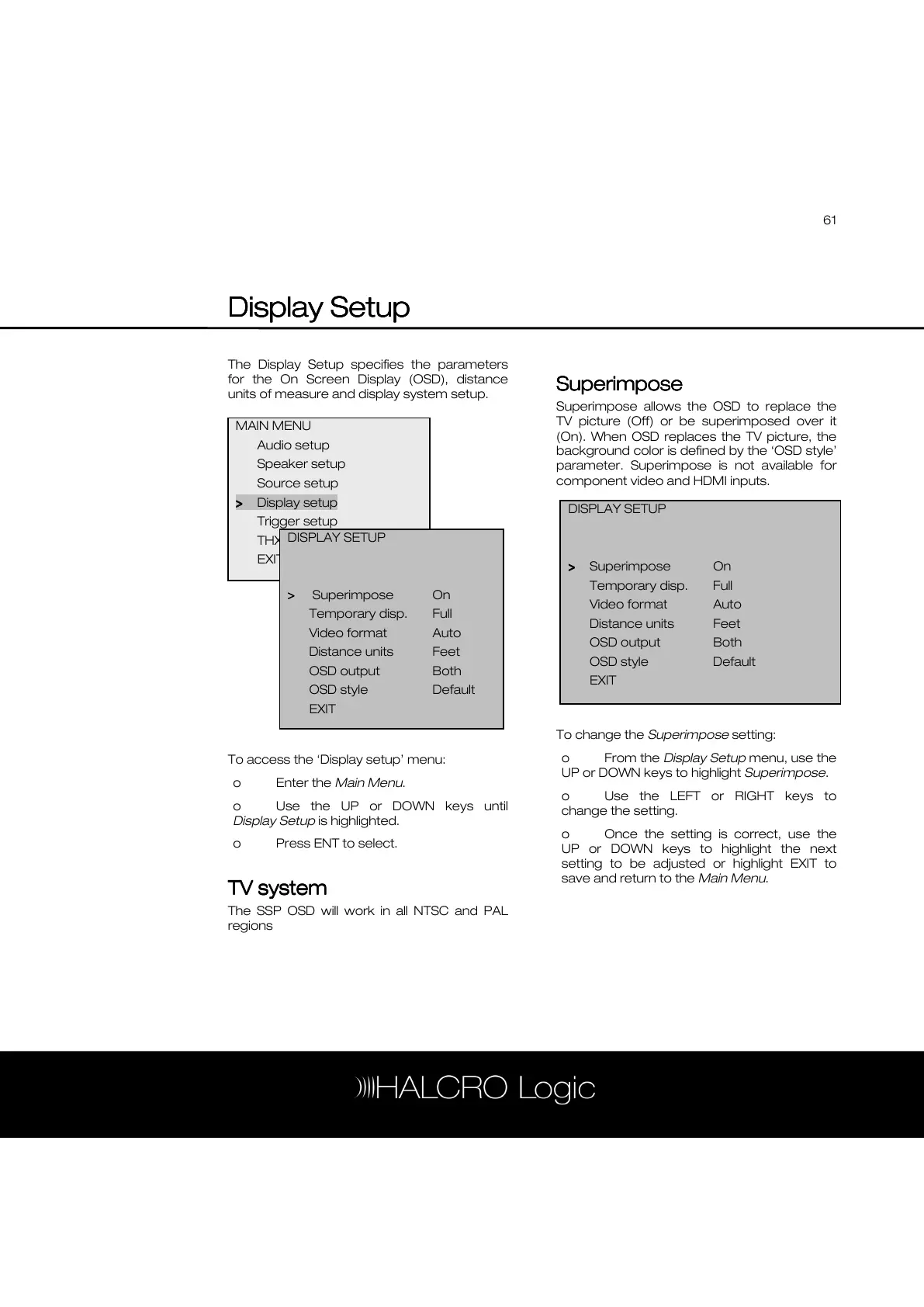
The Display Setup specifies the parameters
for the On Screen Display (OSD), distance
units of measure and display system setup.
To access the ‘Display setup’ menu:
o Enter the Main Menu.
o Use the UP or DOWN keys until
Display Setup is highlighted.
o Press ENT to select.
TV sys
TV sysTV sys
TV system
temtem
tem
The SSP OSD will work in all NTSC and PAL
regions
Superimpose
SuperimposeSuperimpose
Superimpose
Superimpose allows the OSD to replace the
TV picture (Off) or be superimposed over it
(On). When OSD replaces the TV picture, the
background color is defined by the ‘OSD style’
parameter. Superimpose is not available for
component video and HDMI inputs.
To change the Superimpose setting:
o From the Display Setup menu, use the
UP or DOWN keys to highlight Superimpose.
o Use the LEFT or RIGHT keys to
change the setting.
o Once the setting is correct, use the
UP or DOWN keys to highlight the next
setting to be adjusted or highlight EXIT to
save and return to the Main Menu.
MAIN MENU
Audio setup
Speaker setup
Source setup
>
>>
> Display setup
Trigger setup
THX Audio setup
EXIT
DISPLAY SETUP
>
>>
> Superimpose On
Temporary disp. Full
Video format Auto
Distance units Feet



 To Next Page