44
Level setup
Level setupLevel setup
Level setup
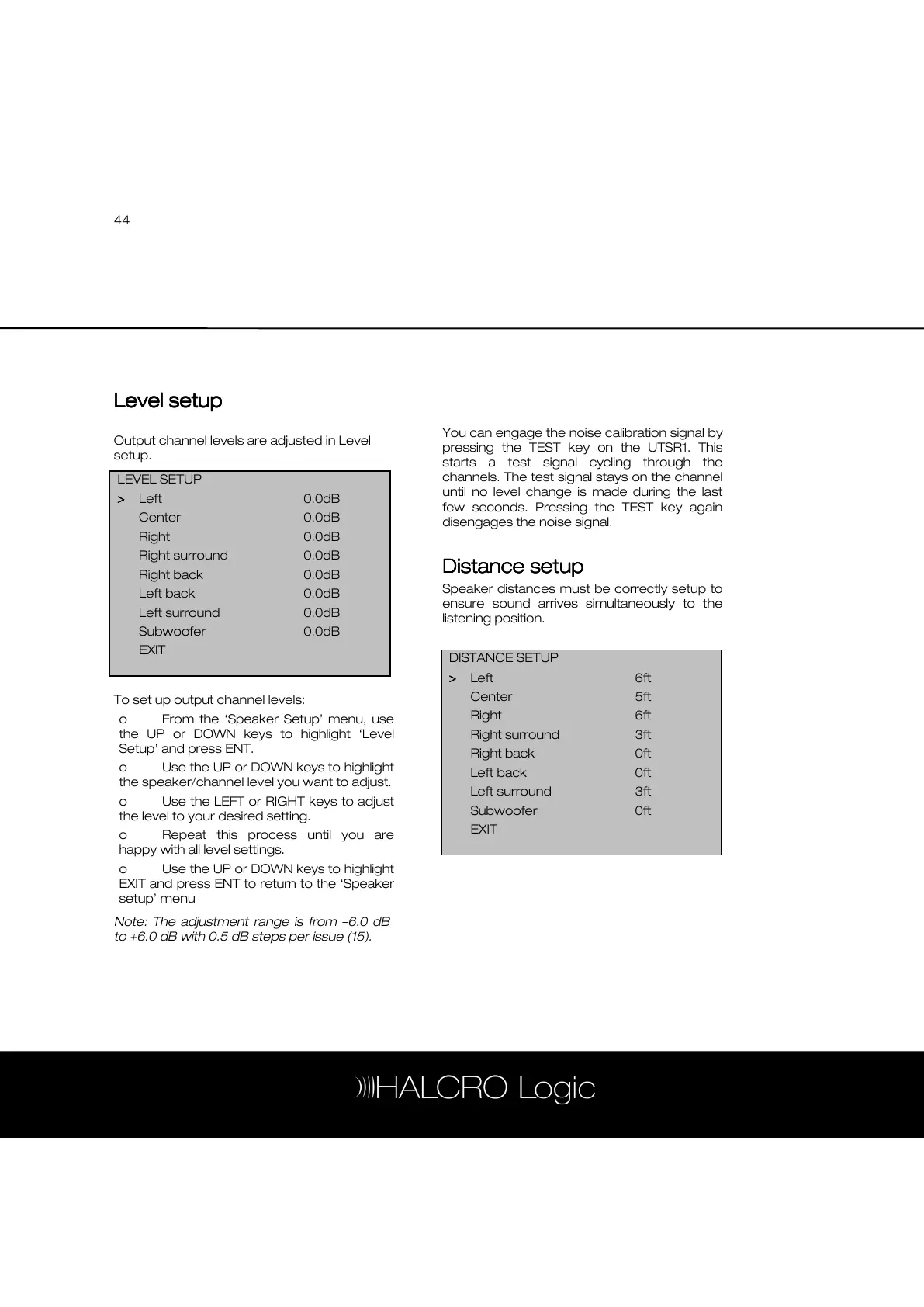
Output channel levels are adjusted in Level
setup.
To set up output channel levels:
o From the ‘Speaker Setup’ menu, use
the UP or DOWN keys to highlight ‘Level
Setup’ and press ENT.
o Use the UP or DOWN keys to highlight
the speaker/channel level you want to adjust.
o Use the LEFT or RIGHT keys to adjust
the level to your desired setting.
o Repeat this process until you are
happy with all level settings.
o Use the UP or DOWN keys to highlight
EXIT and press ENT to return to the ‘Speaker
setup’ menu
Note: The adjustment range is from –6.0 dB
to +6.0 dB with 0.5 dB steps per issue (15).
You can engage the noise calibration signal by
pressing the TEST key on the UTSR1. This
starts a test signal cycling through the
channels. The test signal stays on the channel
until no level change is made during the last
few seconds. Pressing the TEST key again
disengages the noise signal.
Distance setup
Distance setupDistance setup
Distance setup
Speaker distances must be correctly setup to
ensure sound arrives simultaneously to the
listening position.
LEVEL SETUP
>
>>
> Left 0.0dB
Center 0.0dB
Right 0.0dB
Right surround 0.0dB
Right back 0.0dB
Left back 0.0dB
Left surround 0.0dB
Subwoofer 0.0dB
EXIT
DISTANCE SETUP
>
>>
> Left 6ft
Center 5ft
Right 6ft
Right surround 3ft
Right back 0ft
Left back 0ft
Left surround 3ft
Subwoofer 0ft
EXIT



 To Next Page