64
o Once the setting is correct, use the
UP DOWN keys to highlight the next setting
to be adjusted or highlight EXIT to save and
return to the Main Menu.
OSD output
OSD outputOSD output
OSD output
There are two options that can be selected
regarding where to send the OSD output.
These options are:
• Composite video monitor output
• Both composite and s-video outputs
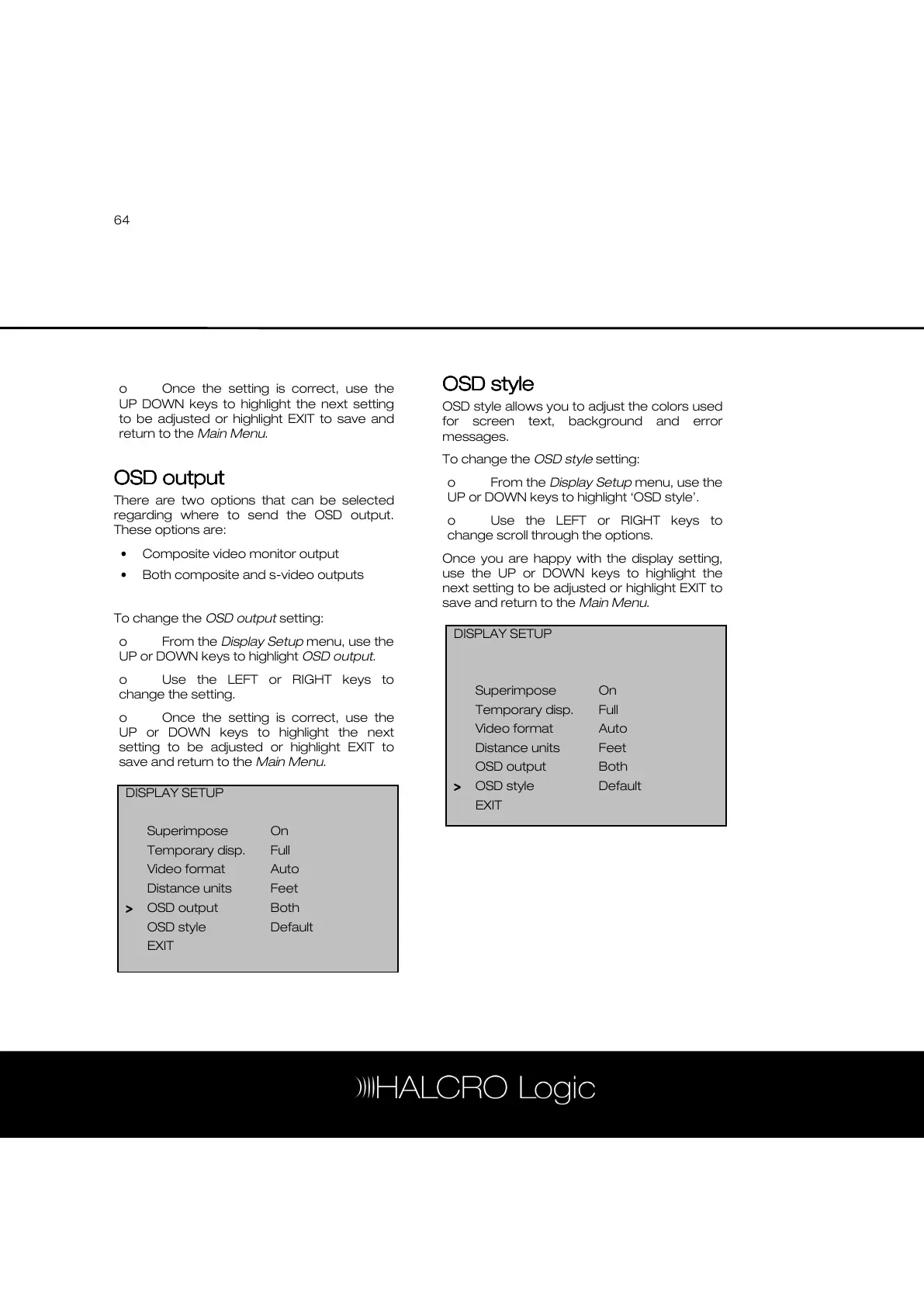
To change the OSD output setting:
o From the Display Setup menu, use the
UP or DOWN keys to highlight OSD output.
o Use the LEFT or RIGHT keys to
change the setting.
o Once the setting is correct, use the
UP or DOWN keys to highlight the next
setting to be adjusted or highlight EXIT to
save and return to the Main Menu.
OSD style
OSD styleOSD style
OSD style
OSD style allows you to adjust the colors used
for screen text, background and error
messages.
To change the OSD style setting:
o From the Display Setup menu, use the
UP or DOWN keys to highlight ‘OSD style’.
o Use the LEFT or RIGHT keys to
change scroll through the options.
Once you are happy with the display setting,
use the UP or DOWN keys to highlight the
next setting to be adjusted or highlight EXIT to
save and return to the Main Menu.
DISPLAY SETUP
Superimpose On
Temporary disp. Full
Video format Auto
Distance units Feet
>
>>
> OSD output Both
OSD style Default
EXIT
DISPLAY SETUP
Superimpose On
Temporary disp. Full
Video format Auto
Distance units Feet
OSD output Both
>
>>
> OSD style Default
EXIT



 To Next Page