www.HandiQuilter.com/ProStitcher 07/23/12 Design Menu 5.23
Jump
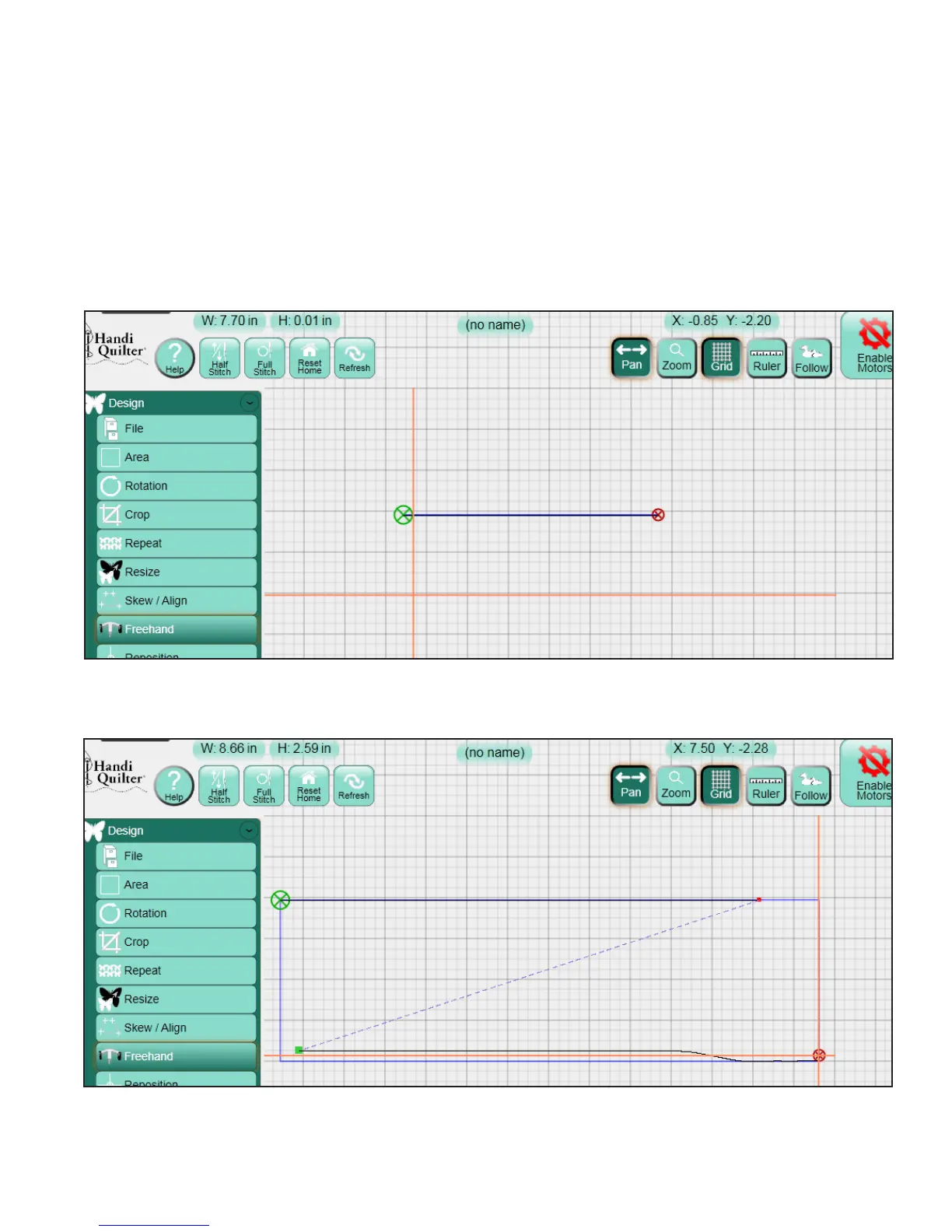
A jump can be recorded by pressing the Jump
button. During Record or Mark, as long as the
button is selected (dark), no stitch lines will be
recorded while the quilting machine is moving
(Figure 5.77). When the Jump button is turned o
(light), there will be a jump recorded between the
previous end-point and the current position of the
crosshairs (Figure 5.78).
Figure 5.77
Figure 5.78












 To Next Page