HQ Pro-Stitcher User Manual07/23/125.22 Design Menu
Stop
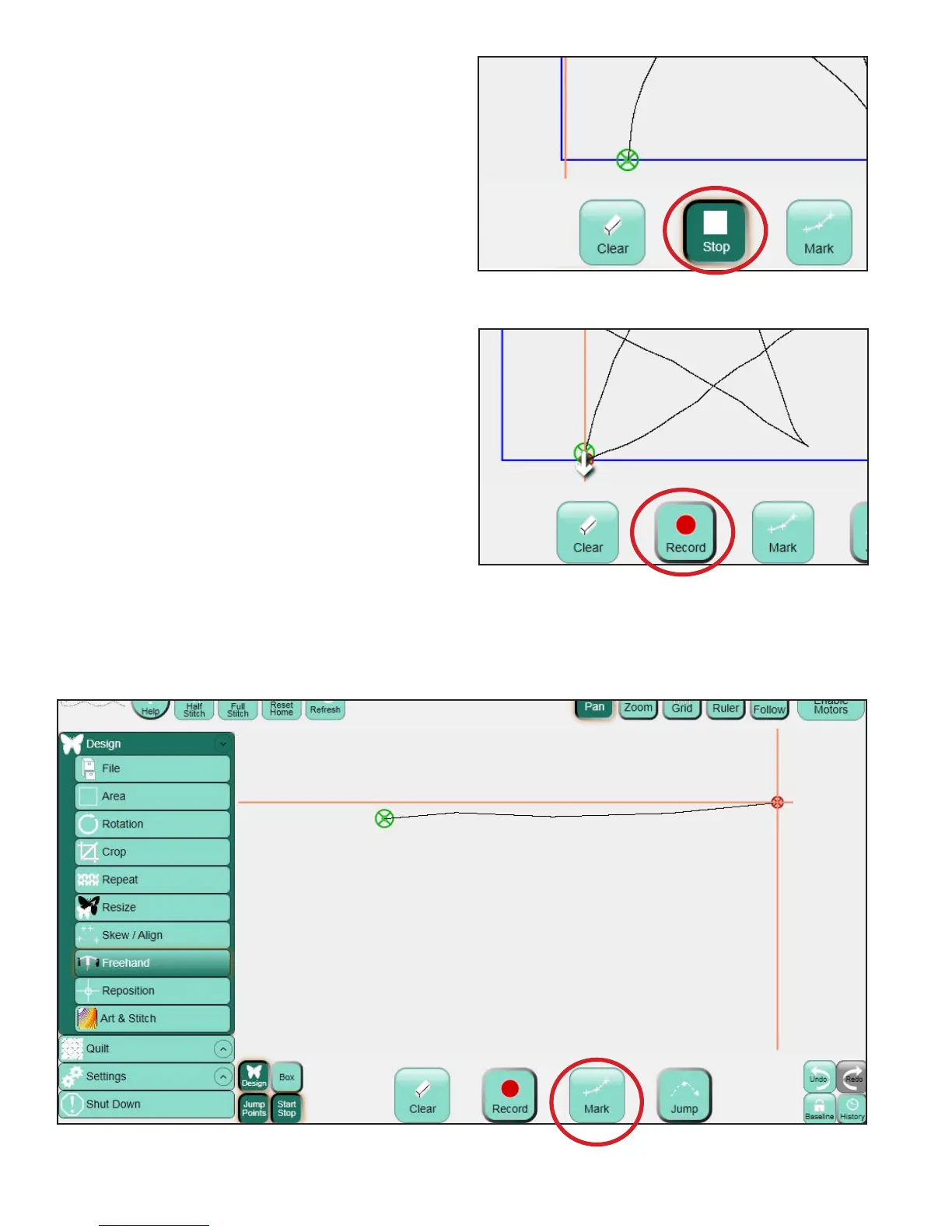
Aer pressing Record, the button becomes a Stop
button (Figure 5.74). Press Stop to stop recording.
e Stop button will then toggle back to being a
Record button (Figure 5.75). e next time Record
is pressed, a stitch line will be placed between the
end point of the previous recorded design and the
current position of the crosshairs.
Mark
e Mark feature is similar to Record, but instead
of recording continuously, the Pro-Stitcher records
a line between each Mark point. is can be very
useful for recording a stitch-in-the-ditch line or
for creating geometric designs directly on the
quilt (think of stitching in the ditch along sashing
seamlines and lling cornerstones with an X,
for example).
Simply move the quilting machine to the beginning
point of the quilt ditch and press the Mark button
to record the rst point of the line. en move to
another point further down the line or ditch and
press Mark again. Continue marking points along
the ditch and the Pro-Stitcher will record straight
lines between each marked point. e marked ditch
design can now be stitched or saved as desired
(Figure 5.76).
Figure 5.74
Figure 5.75
Figure 5.76












 To Next Page