Starting up the ClipX
66
a4643-1.0 HBM: public ClipX
7.2.4 Resetting Ethernet network settings
You can reset the Ethernet network settings (and only them) to their factory
defaults:
1. Switch off the power supply.
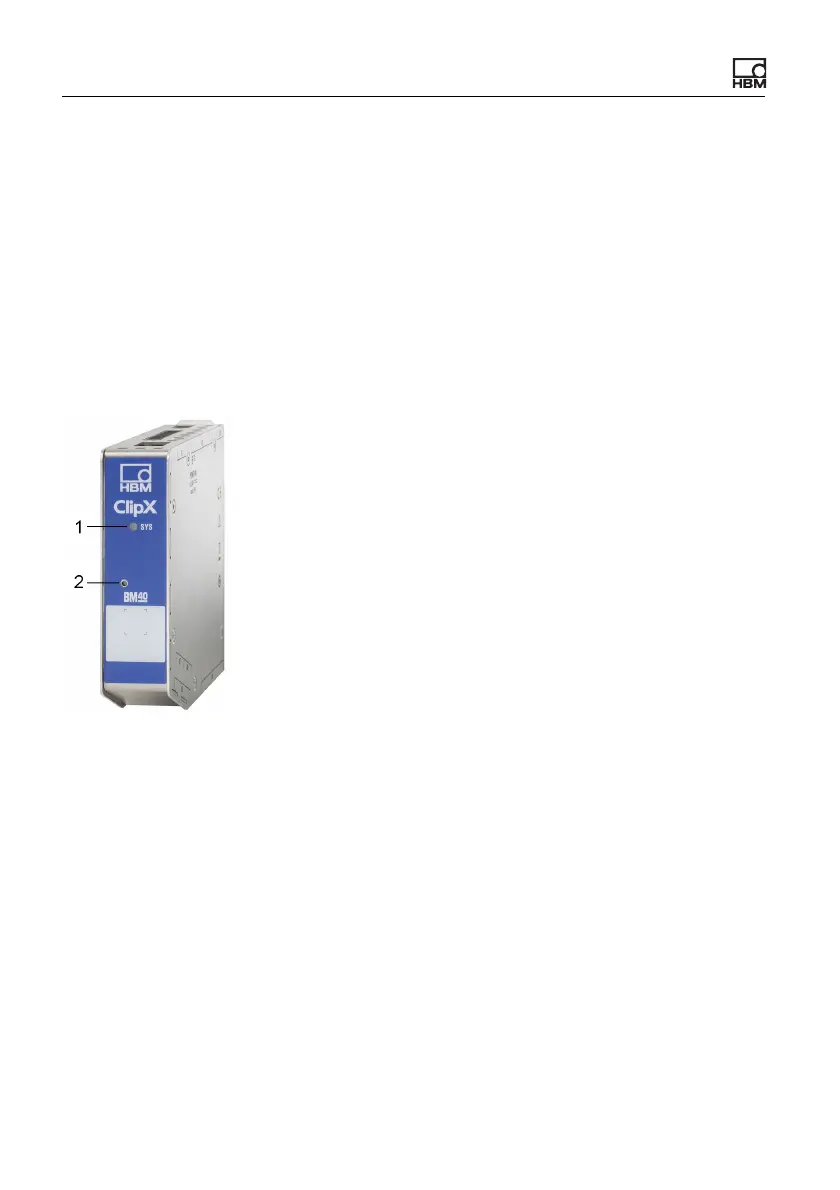
2. Press the Reset button (see picture) using a pencil or a small screwdriver
and keep it pressed while you switch the power back on.
3. Wait for the system LED to start flashing green before releasing the button.
The ClipX will perform a restart automatically.
4. Wait until after the restart is finished before connecting to the device.
Fig. 33: System LED (1) and Reset button (2)
Configuring the Ethernet port after resetting (factory defaults)
• Use DHCP (“Obtain an IP address automatically”, meaning from the server
or via APIPA, i.e. negotiate in the network, if your PC is also using DHCP).
• Device name: ClipX.
• All IP address, subnet mask, gateway or DNS settings are deleted.



 To Next Page