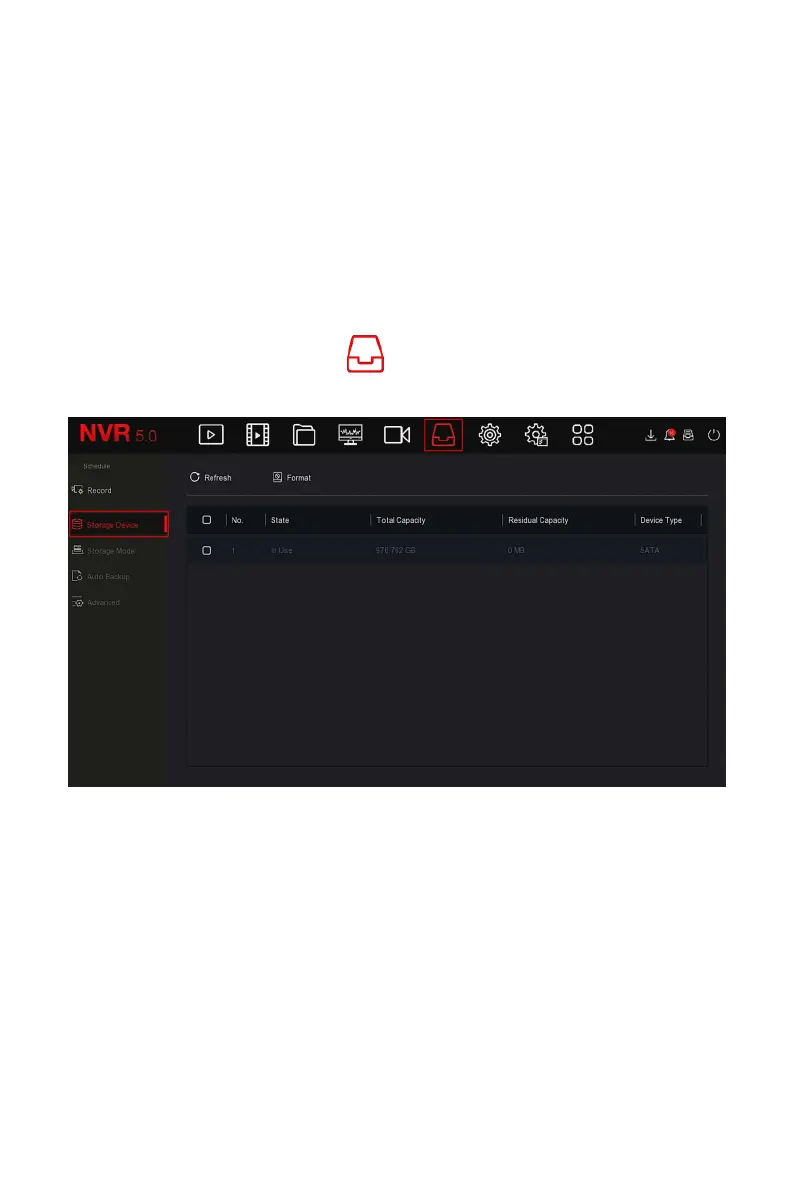
Figure 5-39
○
6
5.3.6.2 Storage Device
The storage device is used to format the hard disk and view the hard disk's
applicable status and capacity.
Formatting the hard drive
Prerequisites:
The user has installed the hard disk correctly. For details of the hard disk
installation procedure, please refer to the "NVR Quick Start Guide".
The specific operation steps are as follows:
Step 1: In the main menu, click " →Storage Device" to enter storage
device interface, as shown in Figure 5-40
○
1
below.
Figure 5-40
○
1
Steps 2: Select the hard drive that needs to be formatted, click
"Format→Confirm", as shown in Figure 5-40
○
2
below.



 To Next Page