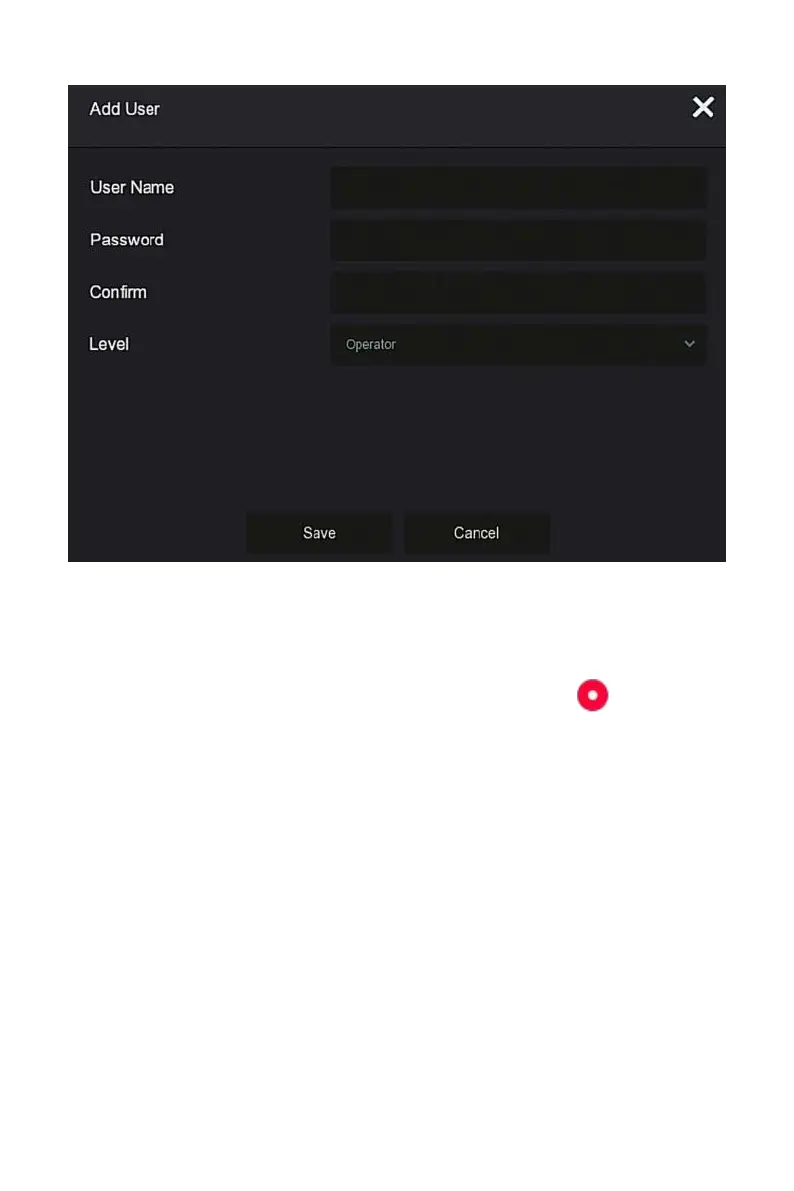
Figure 5-54
○
3
Steps 4: Enter the new user information (user name, password, confirm
password), select the level, click "Save".
Steps 5: Setting permissions.
Select the successfully added user, click the corresponding " " button
below the permission to enter the permission interface, and set the user
permission.
Authority are divided into local configuration, remote configuration, channel
configuration, administrator users can enable / disable corresponding
permissions as needed.
Local Param Setup: set parameters, restore default parameters,
import / export parameters.
Local Channel Setup: Add, delete, modify, import and export
configuration files for the IP channel.
Local User: Check the User Management interface.



 To Next Page