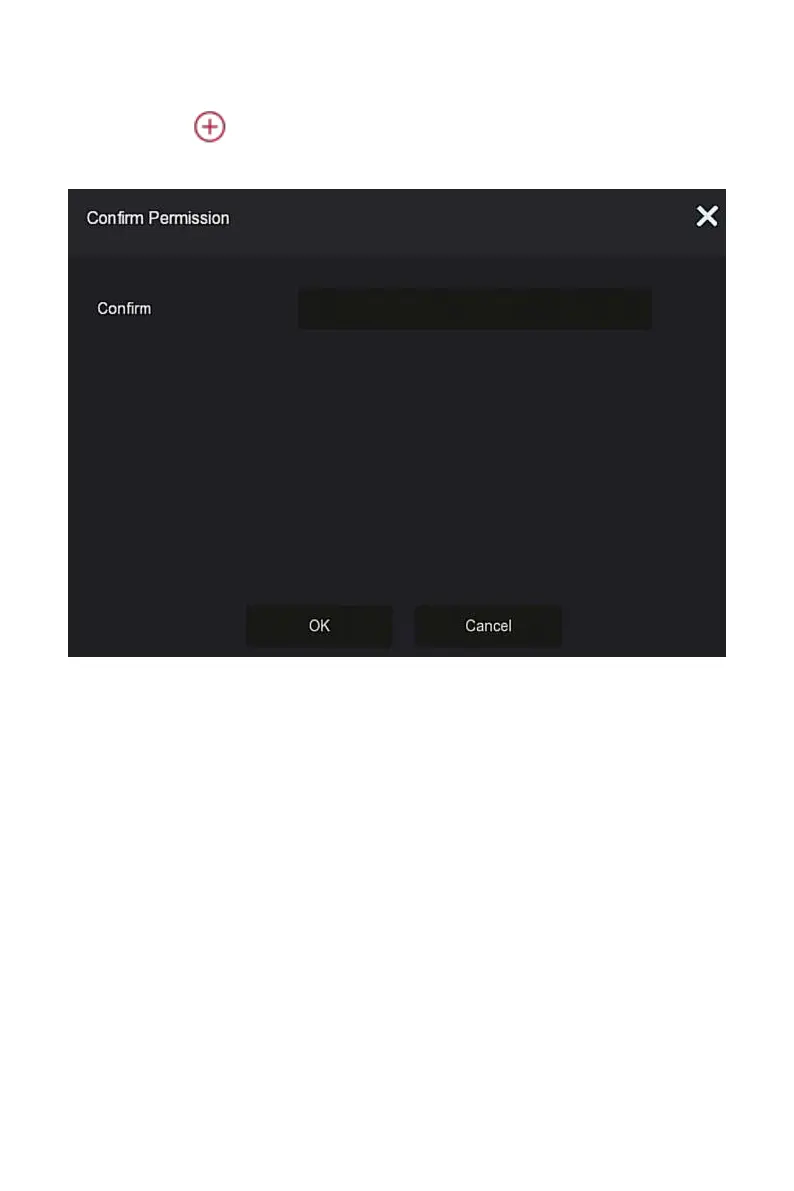
Steps 2: Click " Add” to enter Confirm Permission interface, confirm the
password first, as shown in Figure 5-54
○
2 below.
Figure 5-54
○
2
Steps 3: Enter the administrator password, click "OK", after the permission is
confirmed, you can enter the add user interface to add users, as shown in
Figure 5-54
○
3
below.



 To Next Page