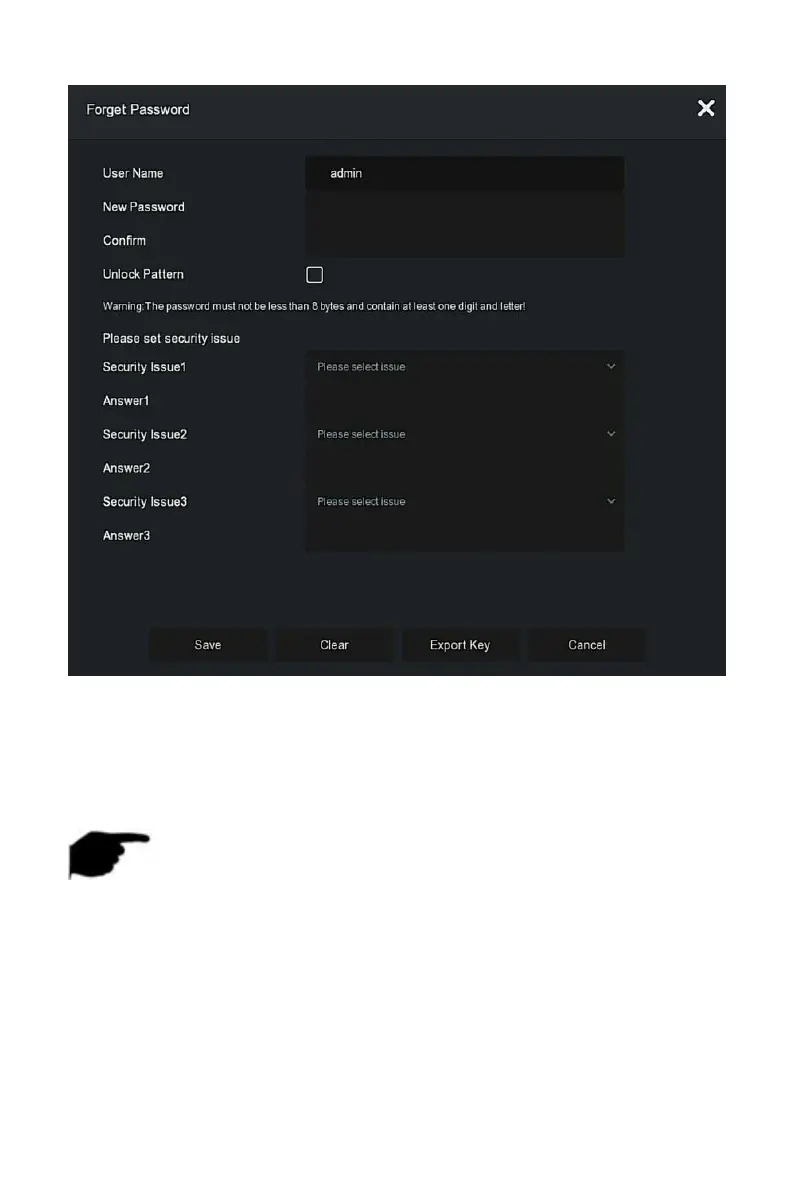
Figure 5-56
Steps 4: Enter the new password and confirm the password.
Steps 5: Choose security questions 1, 2, 3 and set the corresponding answers,
click "Save".
Steps 4: Insert the U disk into the device, click "Export Key".
NOTE
When the administrator password is changed for the first time, a
security question and corresponding answer must be set to successfully
change the password.
When changing the administrator password, the key may not be
exported.
When changing the password, an unlock pattern can be set at the same
time, and the user will have one more way to log in to the device.



 To Next Page