The procedure for changing the administrator password again is
as follows:
Step 1: In the main menu, choose " →User" to enter user interface.
Steps 2: Select the administrator, click " Modify" to enter permission
confirmation interface, confirm the password first.
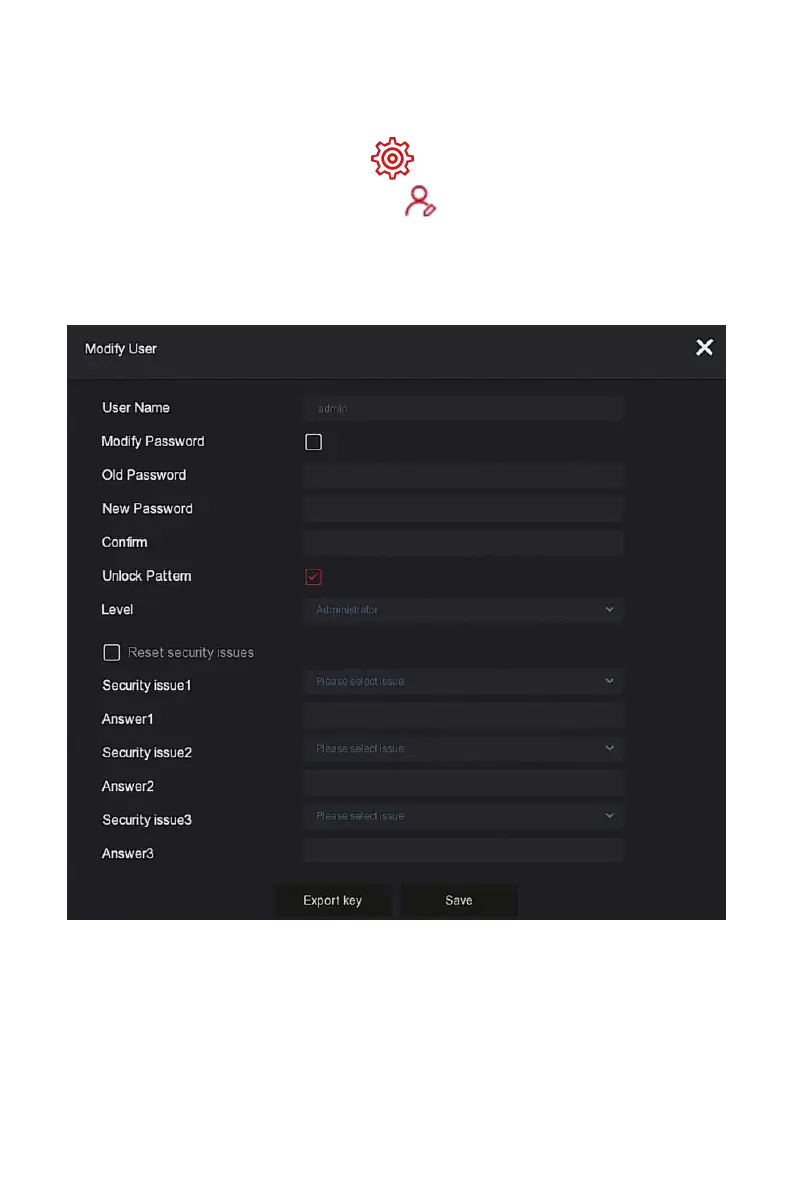
Steps 3: Enter administrator password, click "Save", after the permission is
confirmed, you can enter the password retrieval interface, as shown in Figure
5-57 below.
Figure 5-57
Steps 4:Normal Event
put old password, new password and confirm.
Steps 3: Reset the security question and corresponding answer, and export
the key.



 To Next Page