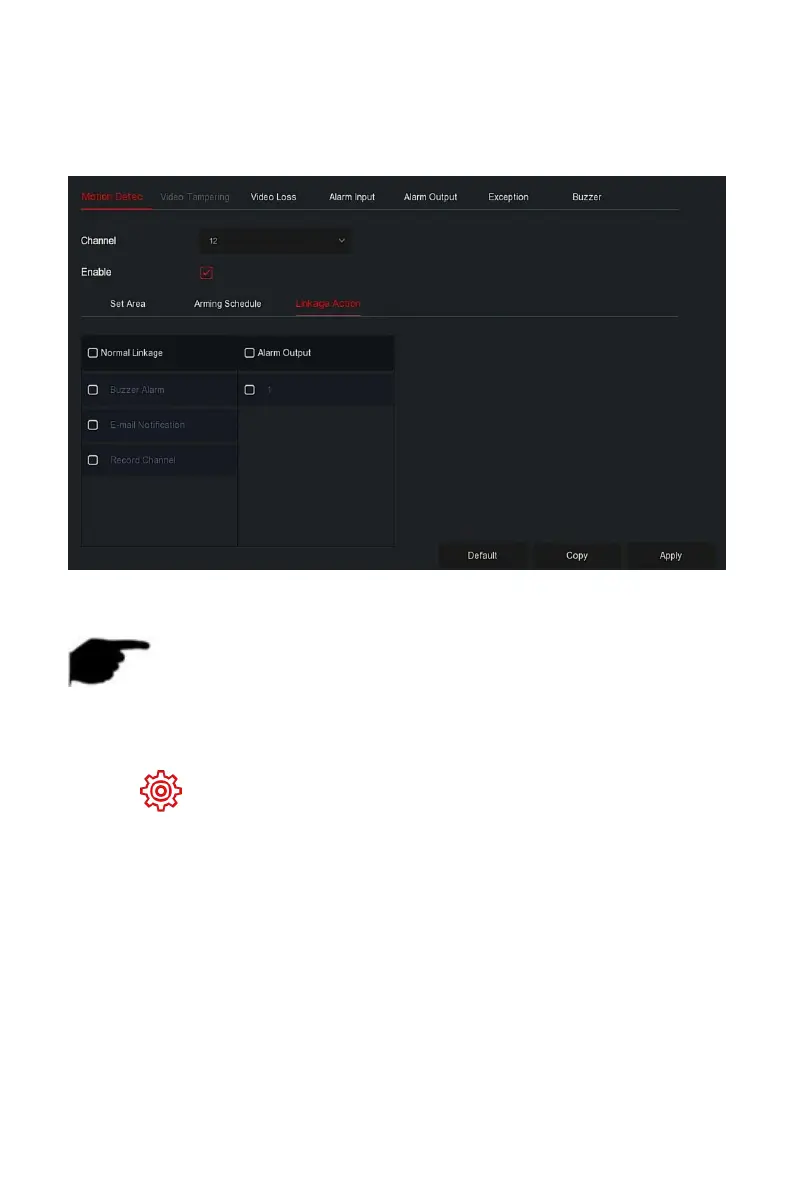
Steps 5: Click "Linkage Action" to enter Linkage interface, Set normal linkage
and alarm output as required, as shown in Figure 5-59
○
4
below.
Figure 5-59
○
4
Steps 6: Click "Apply" to save the setting.
NOTE
If you need to set motion detection for other channels, please repeat
the above steps.
After setting to enable email notification for motion detection, click "Main
menu→ →Advanced→E-mail" to enter E-mail setting interface to set up
the email. When the system sends a linkage alarm within the set time period,
the recipient receive the alarm e-mail.
After enabling email notification, after setting the specific week and
time period, only when the alarm is triggered within the set time period,
the NVR can send an email to the set mailbox to notify the user.
If the other channels have the same motion detection settings as that
channel, click "Copy", select another channel, and copy the settings of
this channel to other channels.
Channel: Select to set the channel.



 To Next Page