Buzzer Alarm:When an alarm occurs, the device will beep to show a
warning.
Copy: After the channel has been set up, click "Copy" to apply the
setting to another channel.
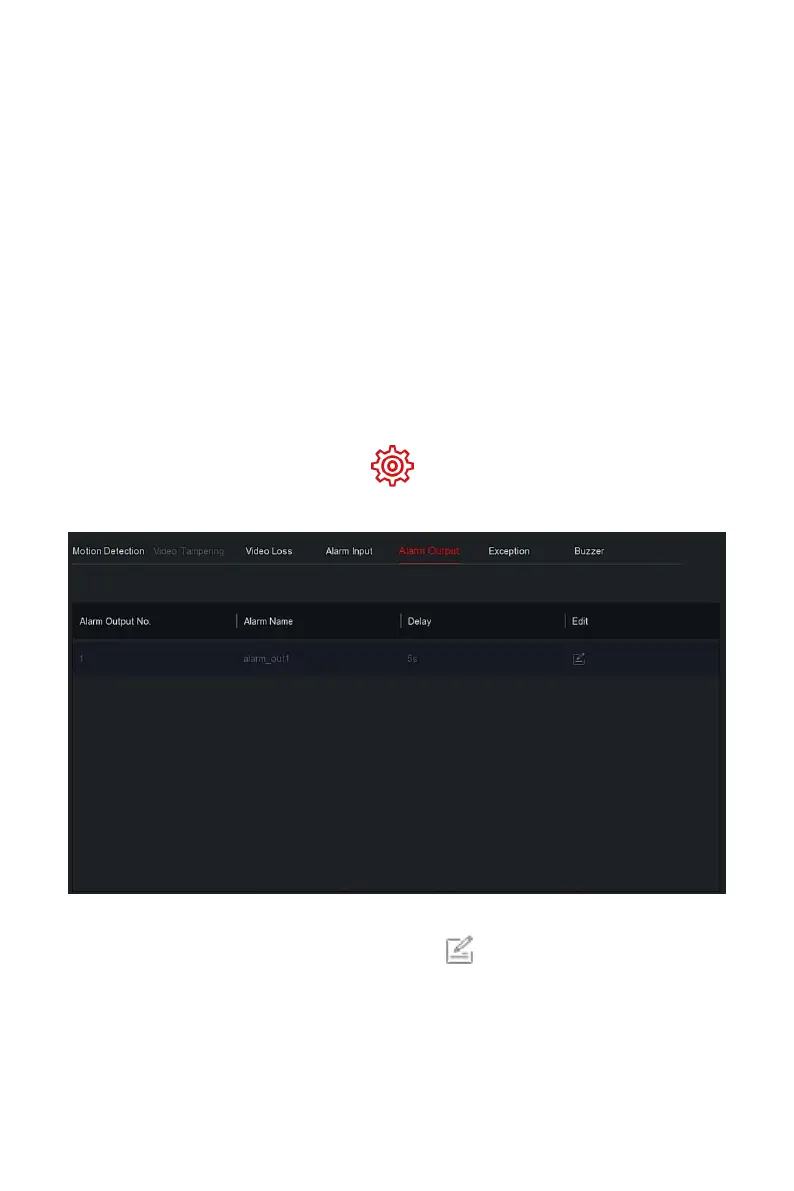
The alarm output is that the NVR connects to the alarm device (such as lights,
sirens, etc.) through the alarm output port. When an alarm occurs, the NVR
transmits the alarm information to the alarm device.
Prerequisites
Make sure the NVR alarm output port is connected to the alarm.
The specific operation steps are as follows:
Step 1: In the main menu, choose " →Normal Event→Alarm Output" to
enter Alarm Output interface, as shown in Figure 5-62
○
1
below.
Figure 5-62
○
1
Steps 2: Select a alarm input channel, click " "to enter the Alarm Input
edit interface, as shown in Figure 5-62
○
2
below.



 To Next Page