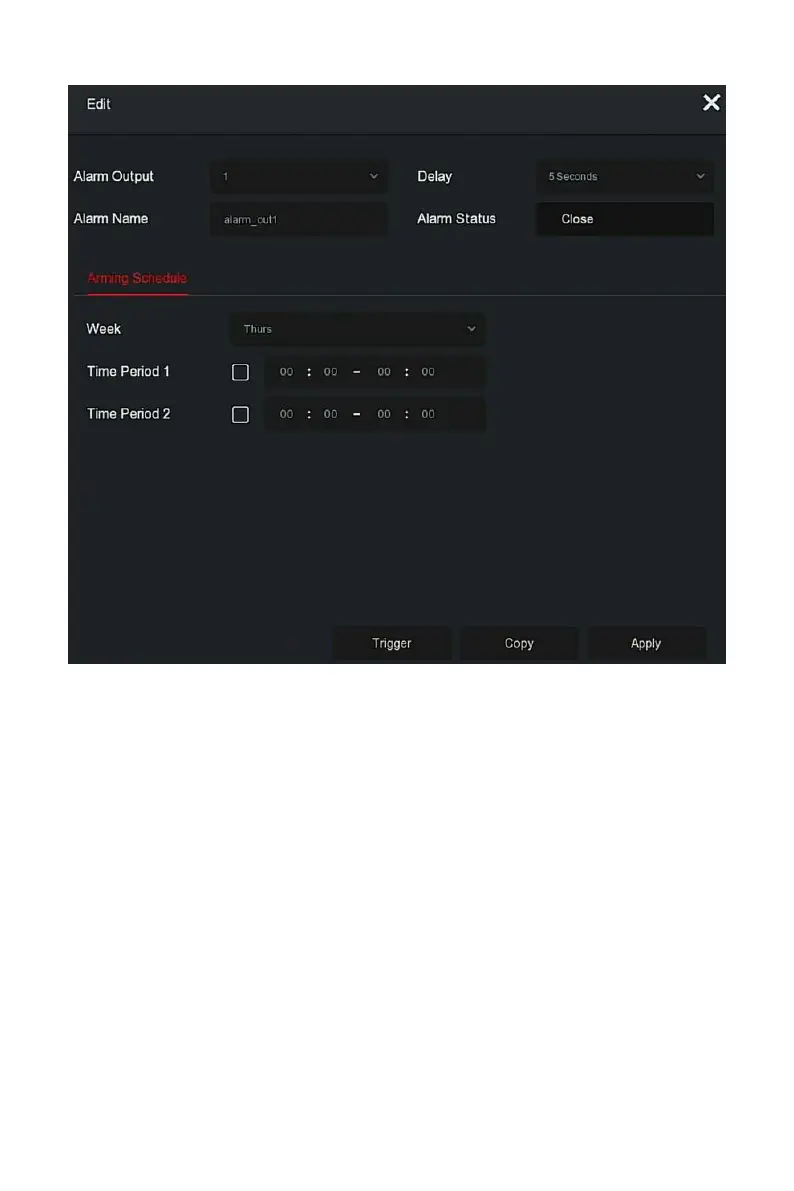
Figure 5-62
○
2
Steps 3: Select the Alarm Output number, Delay time, Alarm Name and
Alarm Status.
Steps 4: Set the Arming Schedule.
Steps 5: Click "Apply" to save the setting.
Copy: Click "Copy" to apply the alarm output port settings to other
alarm output ports.
Trigger: Click "Trigger" to start the alarm corresponding to the device
connected to the alarm output port. The alarm output device connected to
the current channel will alarm.
Set the alarm mode of abnormal events. When an abnormal event occurs
during the operation of the NVR device, the system executes the alarm



 To Next Page