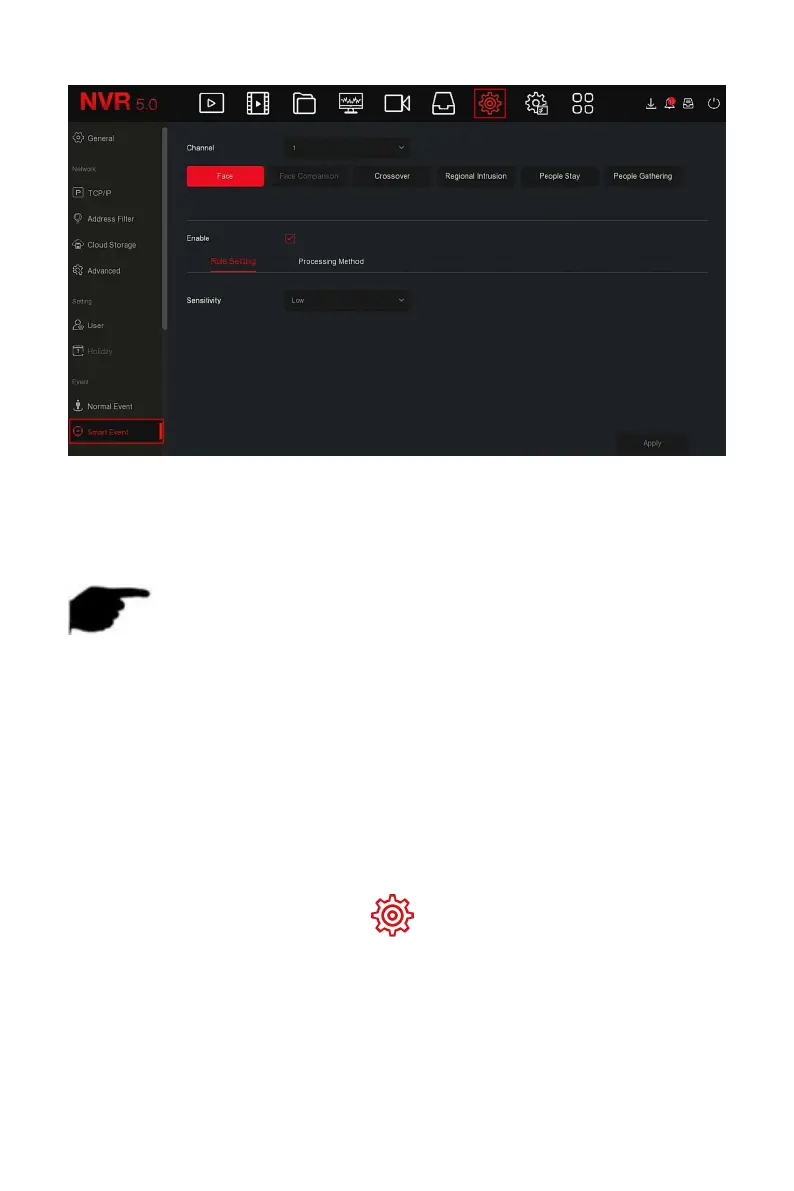
Figure 5-65
Steps 2: Set the intelligent detection and alarm mode of the channel.
The types of smart detection alarms supported by the device including face
detection, face comparison, line crossing detection, regional intrusion,
loitering and people gathering.
NOTE
All smart detection modes can only be set if the camera supports it.
Cameras that support smart detection can set up to 1 face detection
rule, 4 line crossing detection rules, 4 area intrusion rules, 4 loitering
rules, and 4 personnel gathering rules in each channel.
The face detection function can be used to detect faces that appear in
the scene.
The specific operation steps are as follows:
Step 1: In the main menu, choose " →Smart Event" to enter Smart
Event setting interface.
Steps 2: Select the channel you want to set the face detection, click "Face" to
enter face detection configuration mode, as shown in Figure 5-66
○
1
below.



 To Next Page