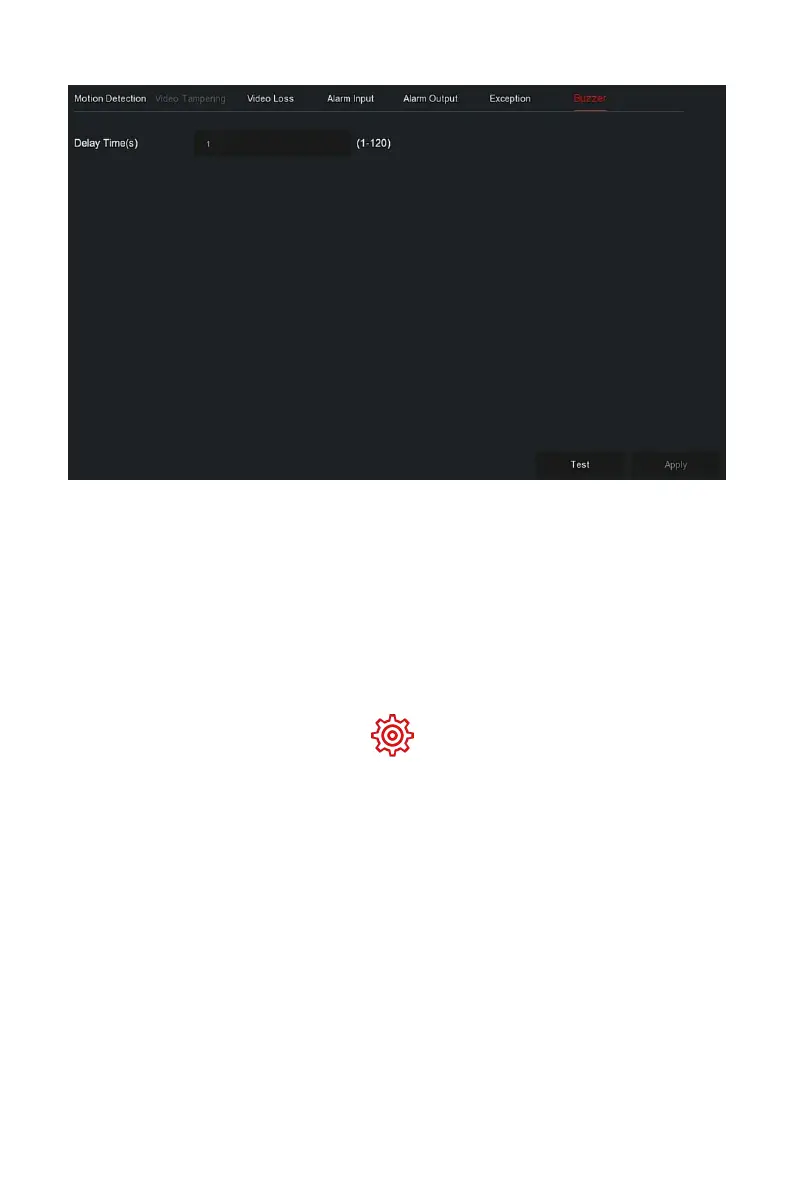
Figure 5-64
Steps 2: Set the buzzer time for alarm.
Steps 3: Click "Apply" to save the setting.
Test: Click "Test" to confirm the volume and duration of the buzzer
alarm.
The specific operation steps are as follows:
Step 1: In the main menu, choose " →Smart Event" to enter Smart
Eventsetting interface, as shown in Figure 5-65 below.



 To Next Page