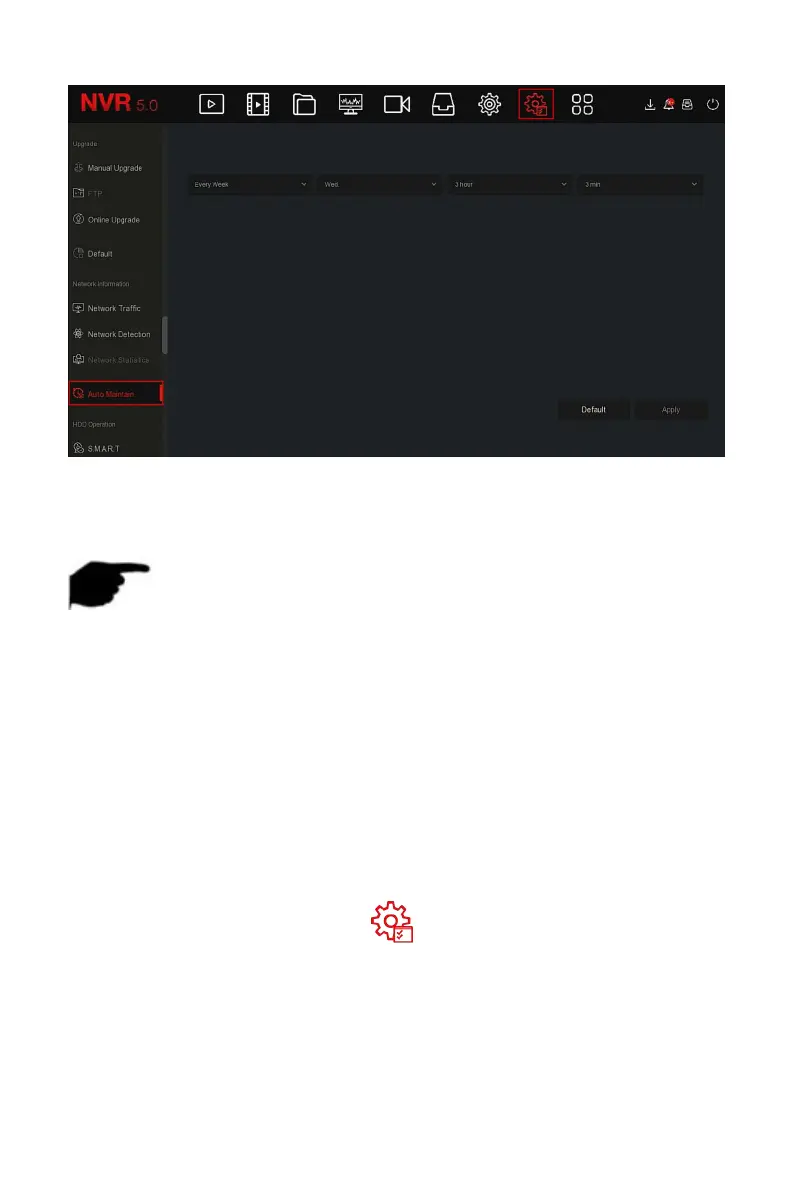
Figure 5-88
Steps 2: Select the time for "Auto Maintain".
Steps 3: Click "Apply" to save the setting.
NOTE
Automatic restart the system can be in accordance with the cycle at a
fixed time (Every Month, Every Week, Every Day) set to restart the
device, you can also choose "Never", equipment is not automatically
maintained.
5.3.8.4 HDD Operation
S.M.A.R.T is used to monitor the temperature of the hard disk, the surface
material of the disk, the motor and its drive system, and analyze and predict
the possible problems of the hard disk.
The specific operation steps are as follows:
Step 1: In the main menu, choose " →S.M.A.R.T" to enter S.M.A.R.T
interface, as shown in Figure 5-89 below.



 To Next Page