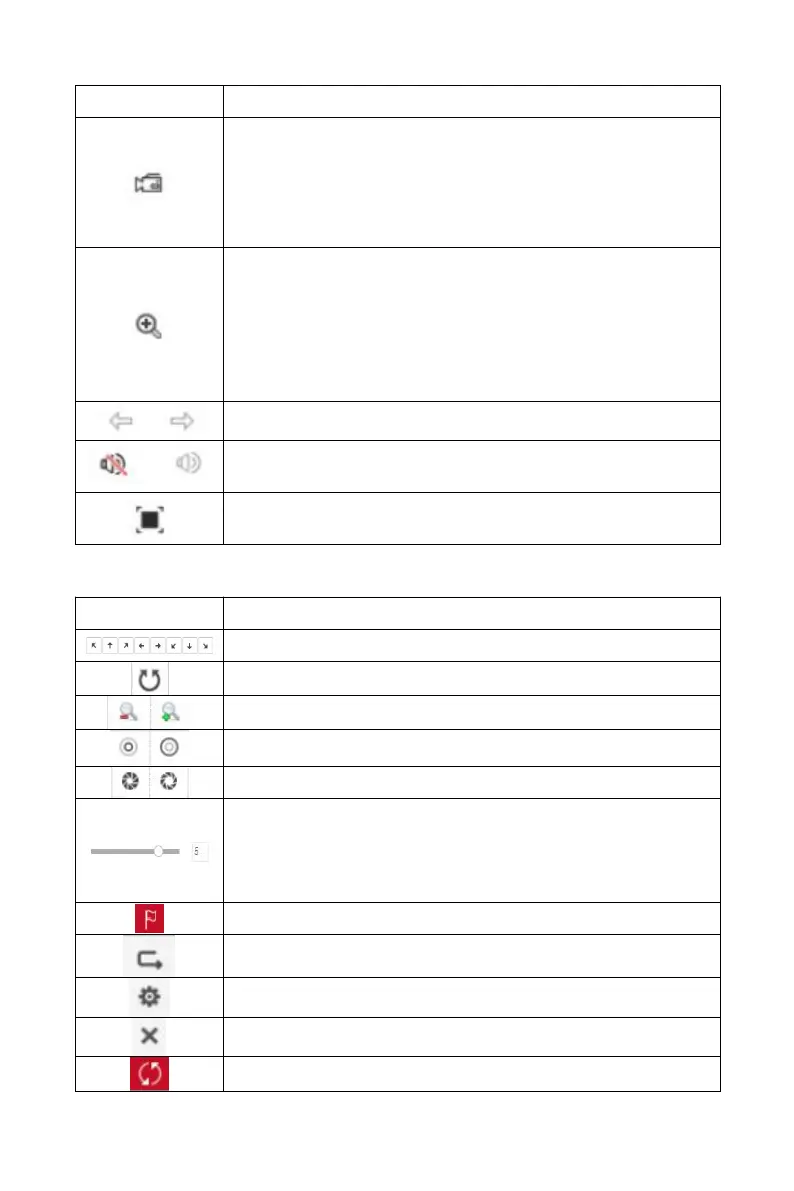
Click this icon to start recording on all channels; click
the icon again to stop recording.
The default storage path of the recording is C:\Record.
You can enter the Configuration → Local Config
interface to modify it.
Local electronic zoom, click this icon to open the
electronic zoom function, select to enlarge the channel,
hold down the left mouse button to select the area to
be zoomed in, release the left button, and select the
area to be enlarged; in the zoom channel, click the right
mouse button to restore the original status.
1 Split screen preview, click to switch channels
Turn on / off the speaker. If the audio is not turned on,
there is no sound when listening.
Full-screen playback, press the keyboard Esc to exit the
full screen.
Table 6-2
4. PTZ setting operation window
PTZ control direction button
The step size is mainly used for speed control. The
larger the value, the faster the rotation speed. For
example, the rotational speed of step 7 is much larger
than the rotational speed of step 1.



 To Next Page