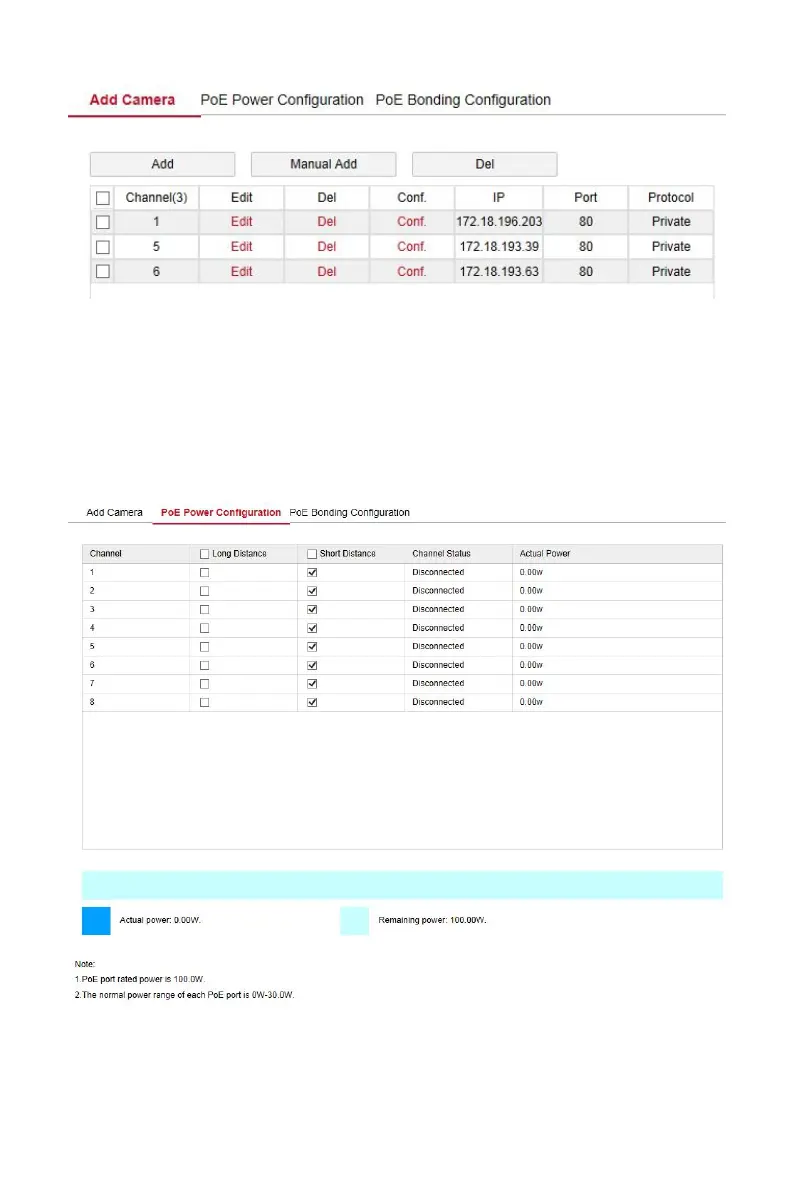
Figure 6-6
PoE Power Configuration
In the main interface, click "Configuration → Camera →Add Camera →PoE
Power Configuration" to enter the PoE Power Configuration interface. Here
you can set according to the distance of the network camera connected to
the actual PoE channel, and check the connection status of the channel, as
shown in Figure 6-7 below.
Figure 6-7



 To Next Page