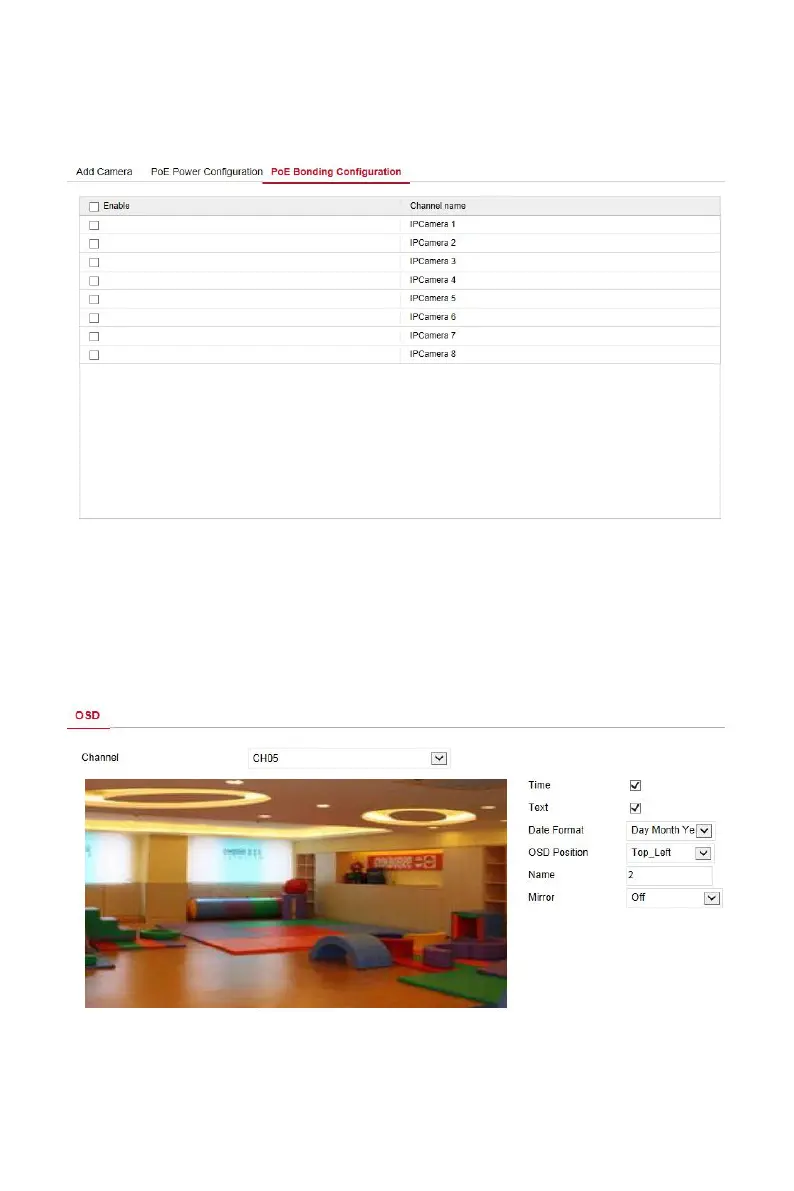
In the main interface, click "Configuration → Camera →Add Camera →PoE
Binding Configuration" to enter the PoE Power Configuration interface. Here
you can set each PoE port to bind with the camera.
图 6-8
6.5.2.2 OSD
In the main interface, click "Configuration →Camera →OSD" to enter the
OSD setting interface, as shown in Figure 6-9 below. Here you can view and
set the device text, date and other related information, the relevant
parameters are consistent with the NVR-side settings.
Figure 6-9



 To Next Page