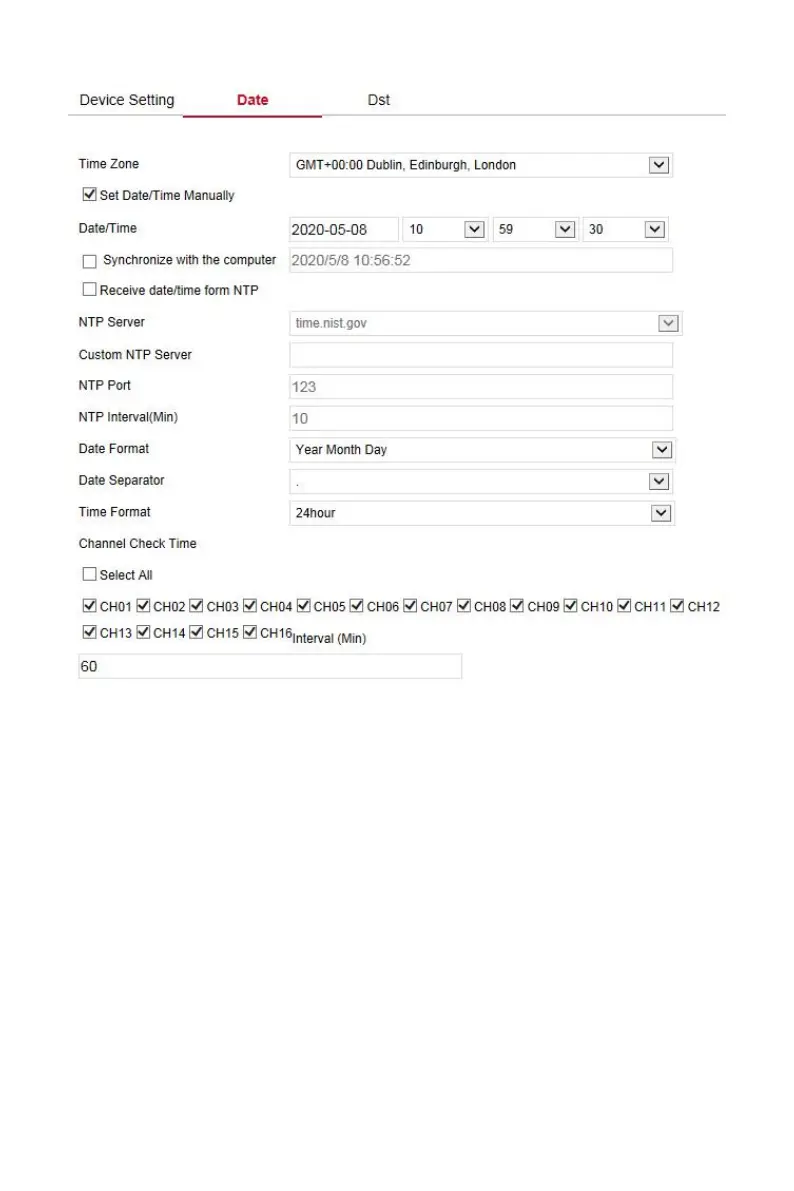
Figure 6-18
Set the Dst as follow:
Step 1: In the main interface, click "Configuration →System →General →Dst"
to enter the Dst setting interface, as shown in Figure 6-19 below.
Steps 2: Turn on daylight-saving time, set the type, start time, end time, and
offset.
Steps 3: Click "Save" to complete the configuration.



 To Next Page