that day. In any playback mode, select the
recording type and channel, click the date you
want to view, and the timeline will be updated to
the recording track of the day.
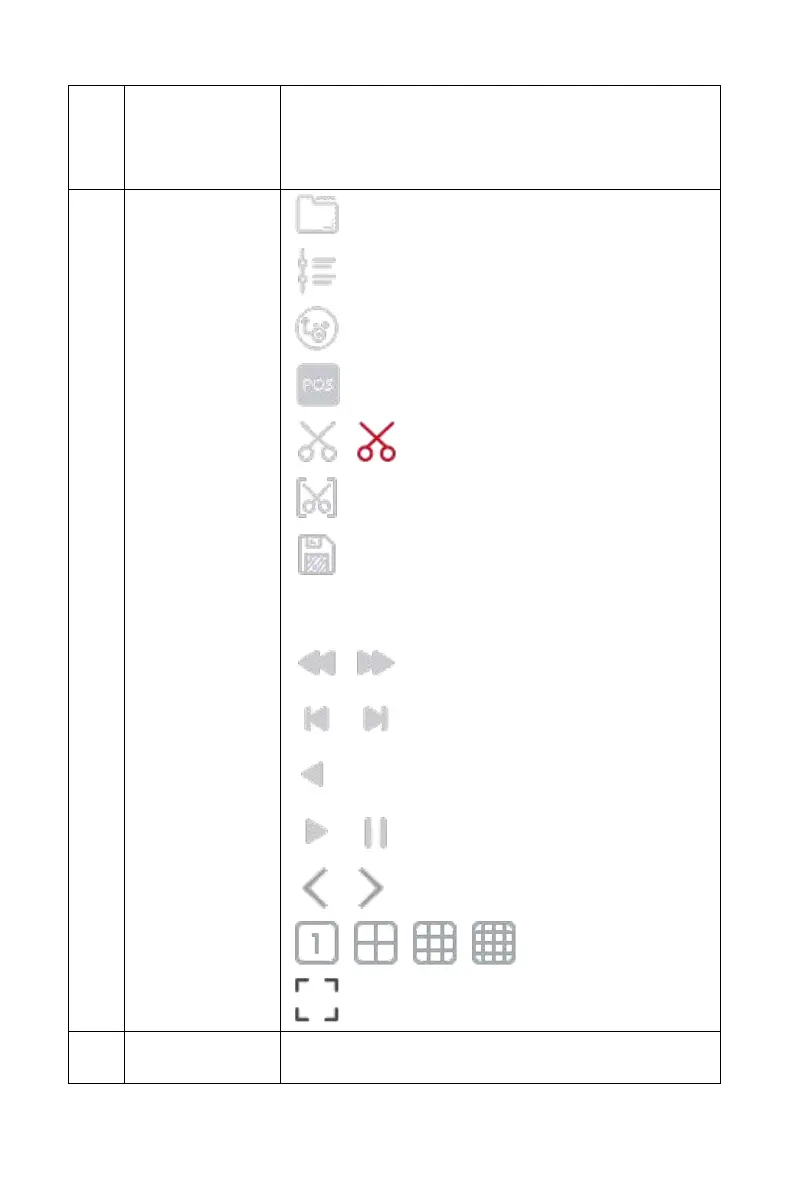
: External file
: Playback by time
: Switch to main / sub stream
: POS overlay switch
/ : Edit / Exit Edit
: Clip time setting
: Export Clip, select the clip file, and then
click "OK" to backup the selected file to the USB
flash drive.
/ : Deceleration / Acceleration
/ : Frame rewind / Frame advance
: Reverse video
/ : play/pause
/ : Previous page / Next page
/ / / : 1/4/9/16 split screen
: Full-screen playback



 To Next Page