EasyManua.ls Logo

HeroSpeed NVR - Page 50

Default Icon
225 pages
Print Icon
To Next Page IconTo Next Page
To Previous Page IconTo Previous Page
Loading...
49
When the device is in multi-split screen, click the
playback interface and select a channel. The first
time axis is the recording time axis of the
selected channel.
Click a point in the colored area with the mouse
to start playback from that point in time.
5
Playback
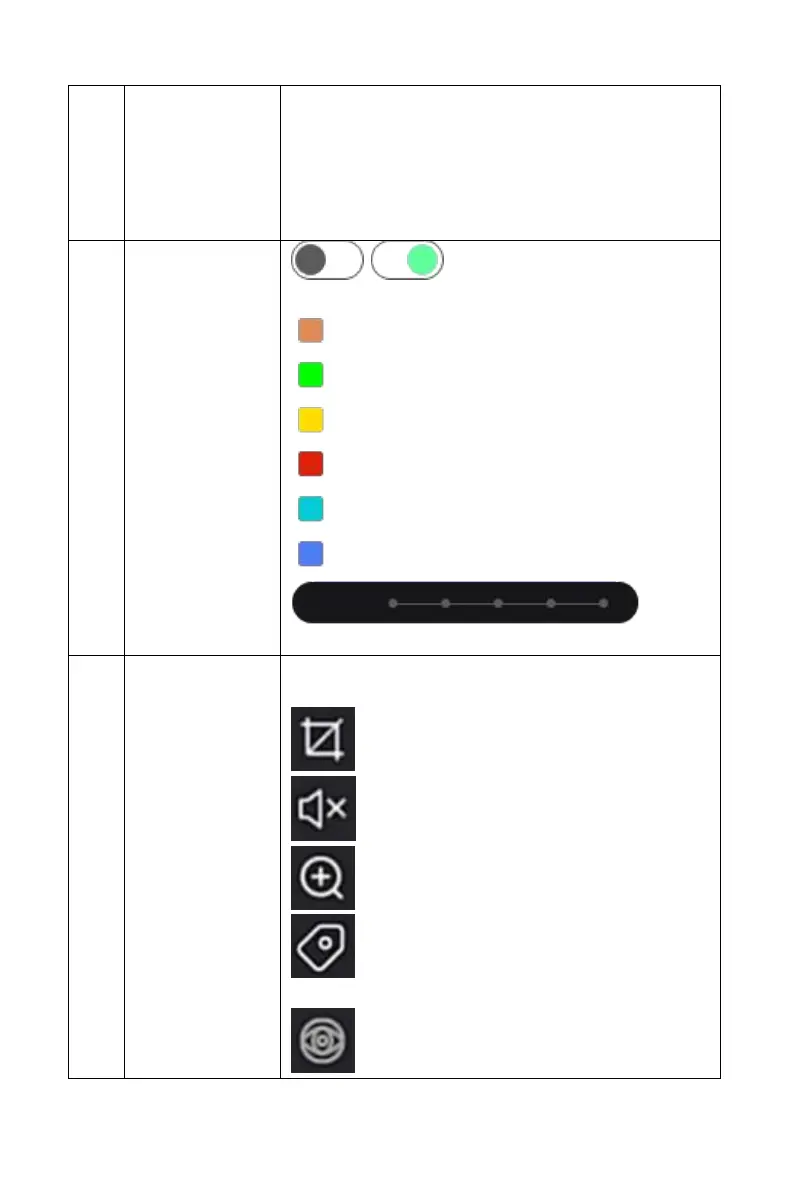
control area 2
/ : Tab off / on
Video Types:
All: all videos
N: normal record
M: motion detection record
A: alarm record
M&A: motion detection & alarm record
I: Intelligent record
: Zoom
in / out play bar
6
Menu hide
Click the play interface to pop up the hidden
menu
: Capture
: Turn volume on / off
: Electronic zoom
: Add tags, intercept playback files and
add 5 seconds before and after recording
: Fisheye