Coming soon!
5.3.3.4 Export
The file management function supports backing up video and picture files
with a USB device, such as U disk and mobile hard disk.
Prerequisites:
The NVR has been correctly connected to the backup storage device.
Step 1: In the main menu, click " "to enter the document management
interface.
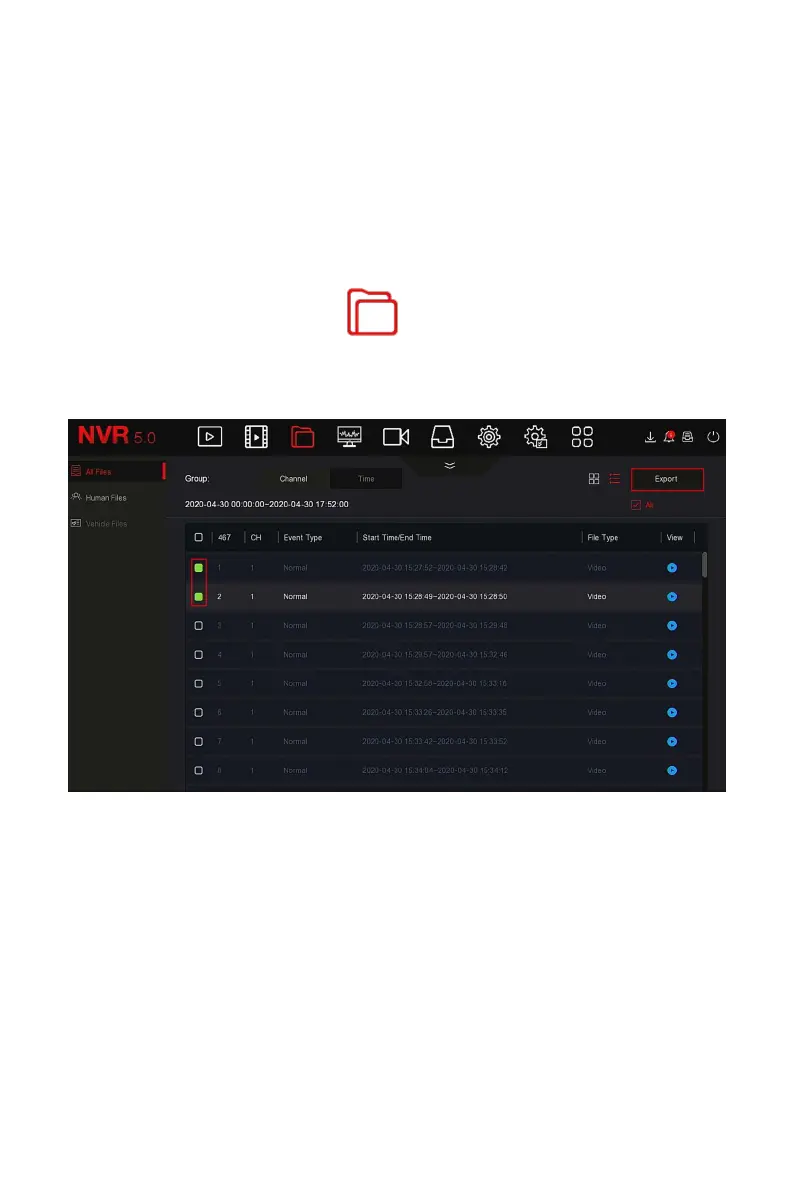
Steps 2: Set search conditions and select video or picture files in the search
results, as shown in Figure 5-19 below.
Figure 5-19
Steps 3: Click "Backup → New Folder", enter the file name, and click "OK", as
shown in Figure 5-20 below.



 To Next Page