: Add current camera to device list.
: Delete the current IPC from the device list.
: Click to enter the interface to modify the IP of the device,
modify the IP address, port and other network information of the
camera here, and then enter the camera password, click "OK" to
complete the modification.
Search: Search for devices that meet the filtering conditions in
the local area network and display them in the search device list.
Add: Add a selection device to the system.
Change IP: Select the device whose IP needs to be changed,
click "Change IP", enter "Start IP", "Network Mask", "Gateway", "DNS",
"Port", "user password", click "OK", the IP of the selected device will be
modified incrementally.
Filter: Filter the search device type. There are Onvif, Private, Onvif
And Private, Multi Net Segment protocols to choose from.
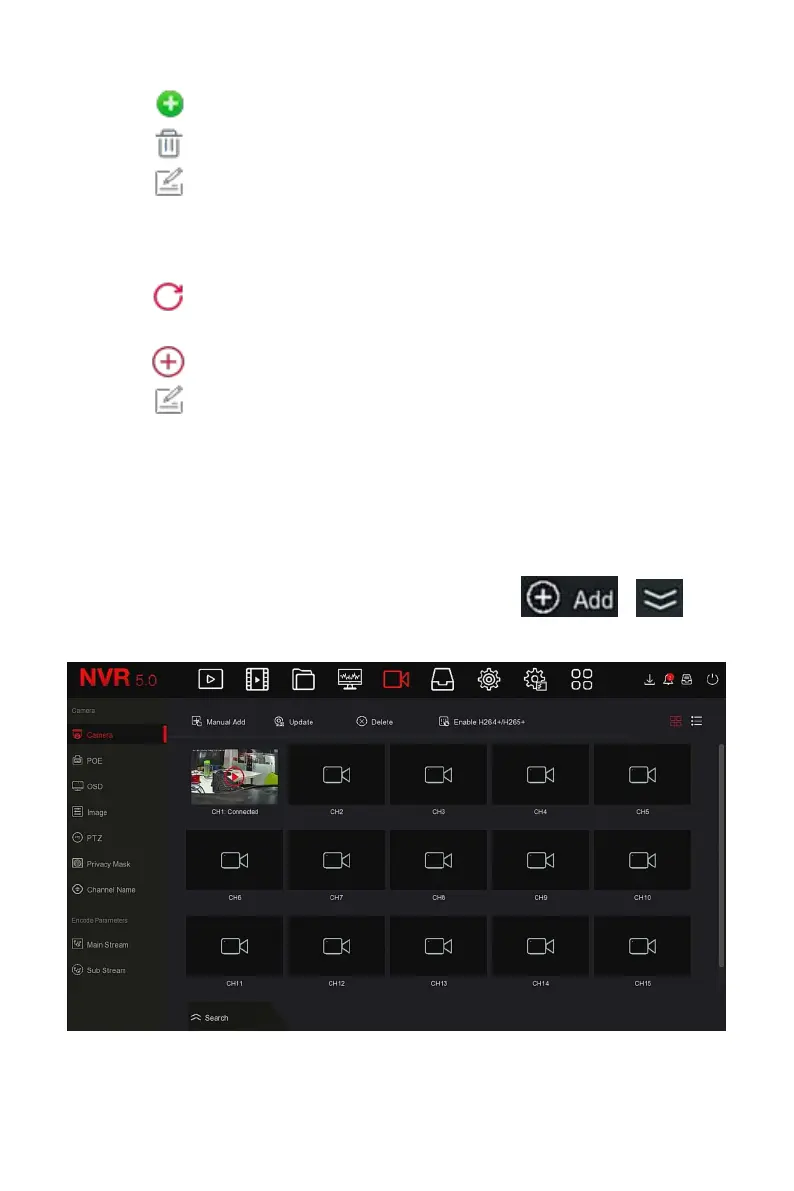
Steps 3: Choose the device you want to add, click " → ", as
shown in Figure 5-29
○
3
below.
Figure 5-29
○
3



 To Next Page