NOTE
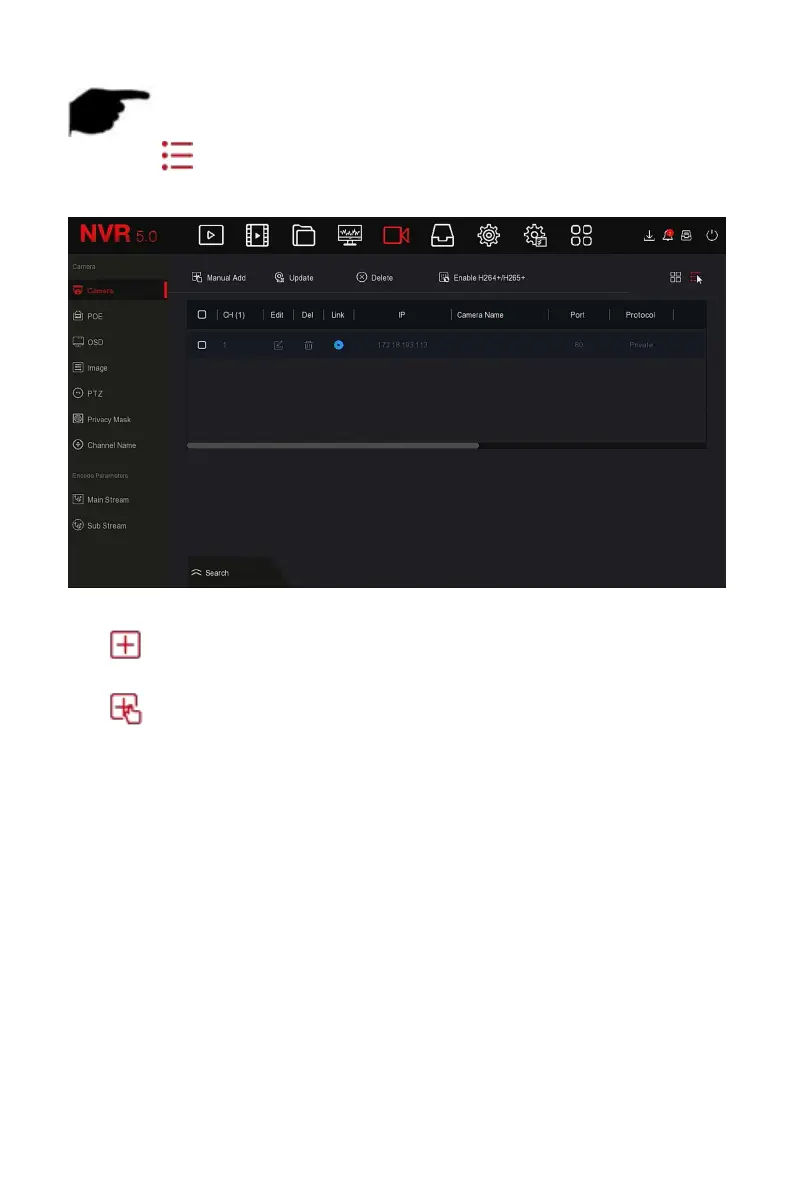
Click " " in the upper right corner to switch to list display, as shown in
Figure 5-29
○
4
below.
Figure 5-29
○
4
Auto Add: Click NVR to modify all camera IP and other network
parameters in the LAN, and connect it to NVR.
Manual Add: Click to enter the "Channel Setup" interface. You can
close the channel, switch, modify the protocol, switch the preview code
stream or manually enter the device related information to add the
device, as shown in Figure 5-29
○
5 .here are two methods of manually
adding IP and domain name addition. When adding IPC through a
domain name, only Private and ONVIF protocols are supported.



 To Next Page