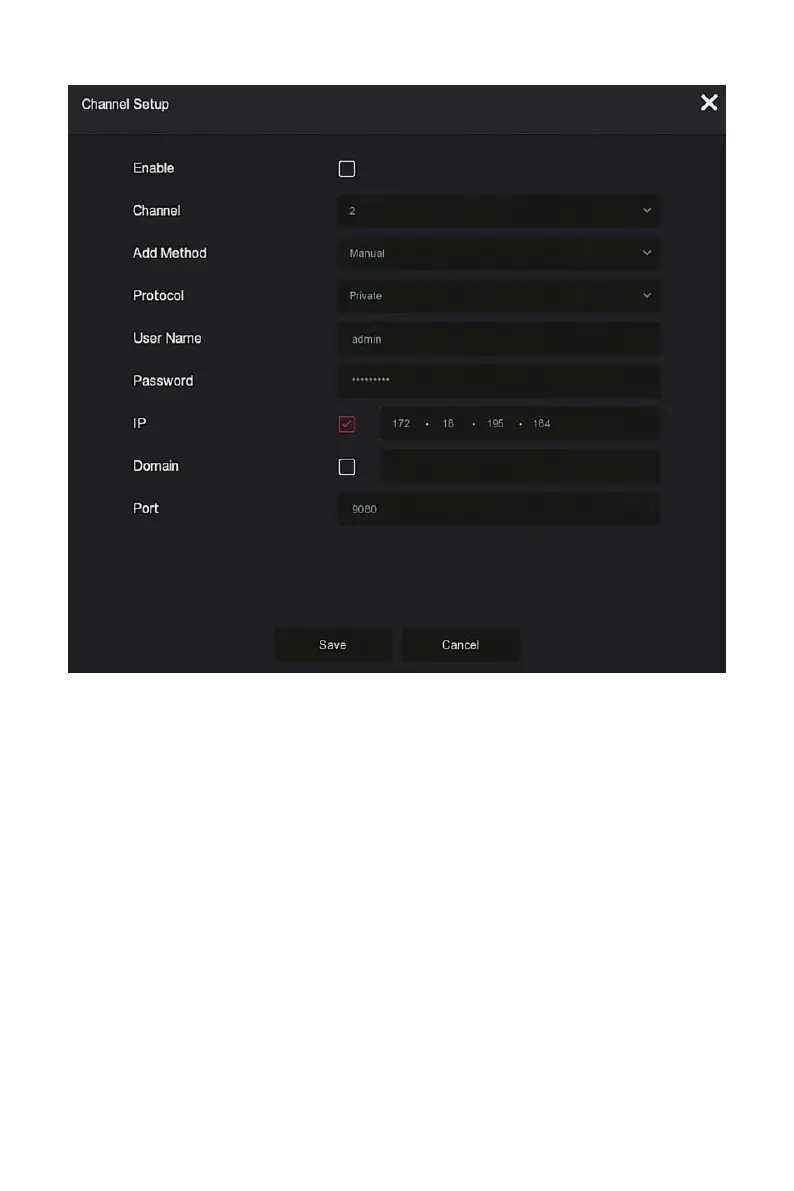
Figure 5-29
○
5
Enable: The channel enable on/off, defaulting to be off. Tick
"Enable" then the related channels can be previewed and recorded
normally.
Channel: Select Set Channel.
Add Method: Shows how the current channel is added.
Protocol: Select Add Device Protocol with Onvif, Private, and RTSP
options.
User Name: The login user name of IPC (if the defaulted user name
is not admin, please change it to be valid user name).
Password: Login password of IPC (if the defaulted login password is
not admin, please change it to be valid password).
IP: Need to add IPC IP address.
Domain: Need to add IPC domain name address, such as peanut
shell address, DDNS address.



 To Next Page