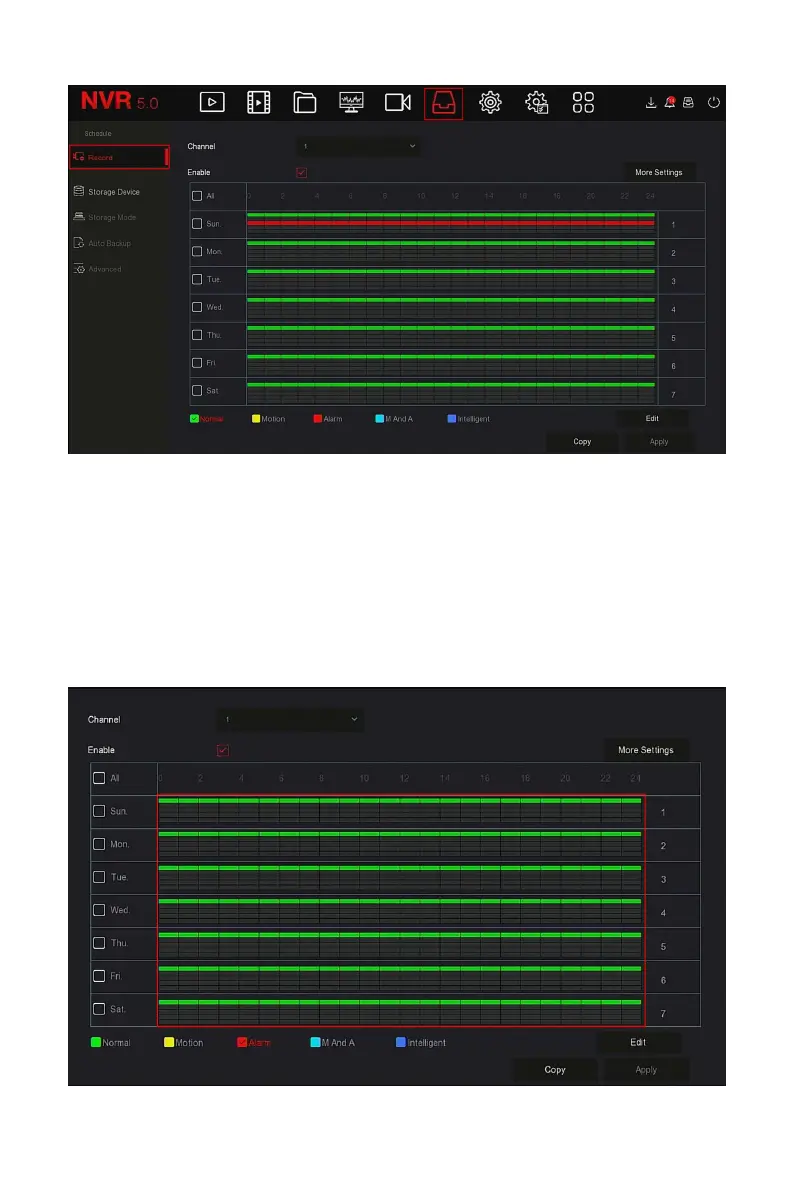
Figure 5-39
○
1
Steps 2: According to the needs of recording, enable, select channel,
recording type (Normal, Motion, Alarm, M And A, Intelligent), week and
other options
Steps 3: Click the left mouse button to locate the starting point of the
drawing area, drag the mouse to determine the time of the recording plan,
release the left mouse button to save as a recording plan, as shown in Figure
5-37
○
2
below.



 To Next Page