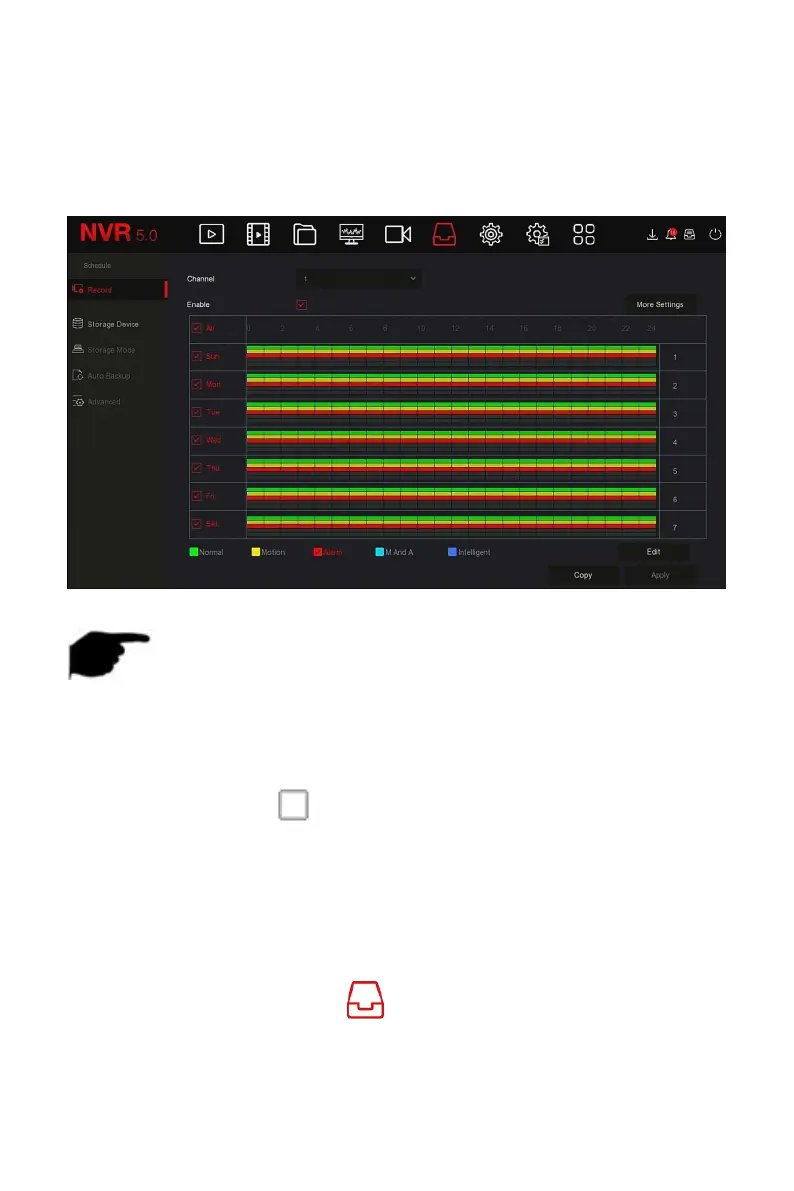
Figure 5-39
○
2
Steps 4: Repeat Steps 3 to set up a complete recording plan.
Steps 5: After the recording plan is set, the channel presents the type (color)
of the recording plan, as shown in Figure 5-39
○
3
below.
Figure 5-39
○
3
NOTE
There are 6 time periods available for each day, and the device will start
the corresponding type of recording within the set time range.
The smallest unit of the drawing area is 1 hour.
Select "All" to edit the time period of all week.
You can select the " " in front of several days of a week at the same
time, edit the selected days simultaneously, and draw the time period.
In the same period of time, motion video and M&A video can only
choose one of them.
Set the recording plan by editing method
The specific operation steps are as follows:
Step 1: In the main menu, click " →Record" to enter Record setup
interface.



 To Next Page