DTS-60A OPERATORS MANUAL
60
5.2.3 Delete a Test
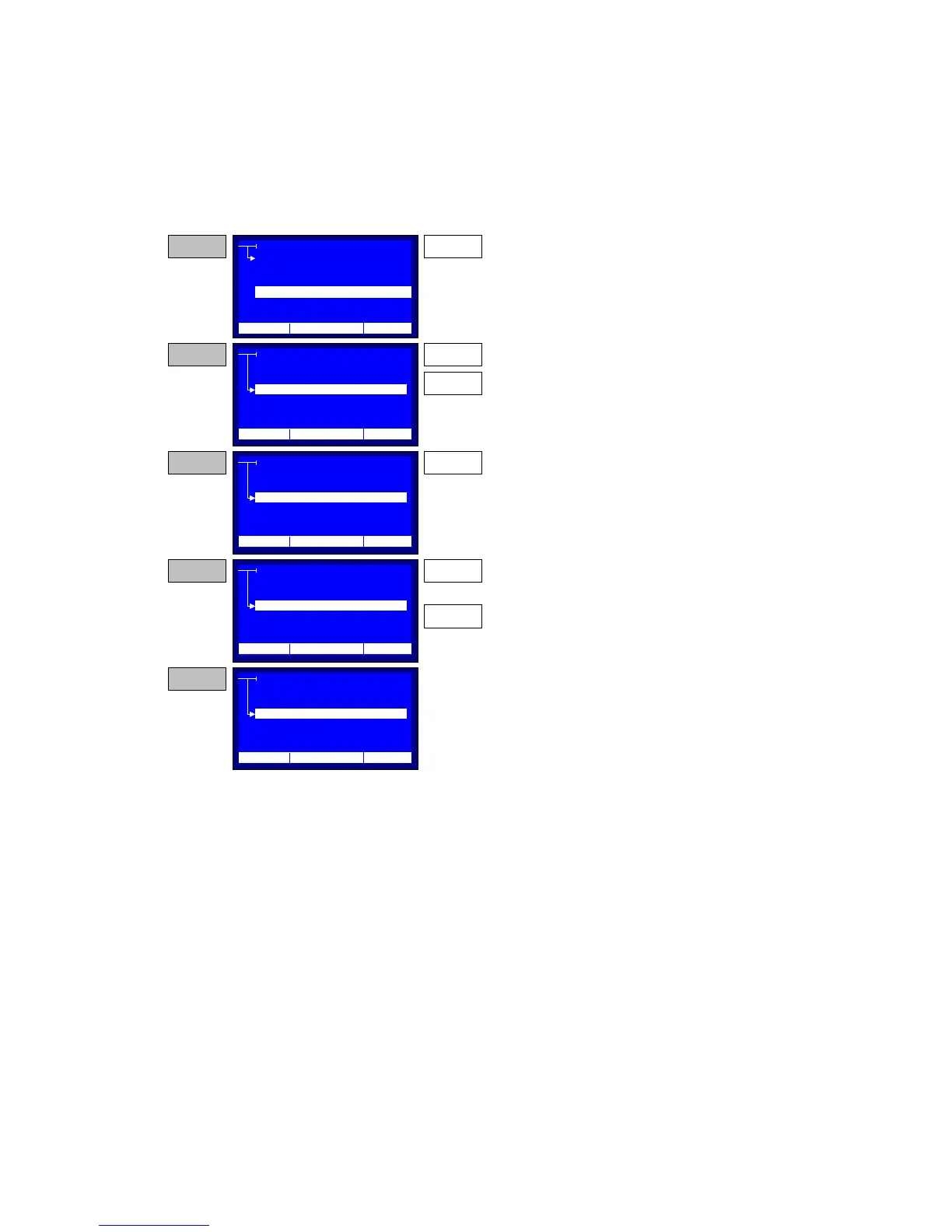
The Delete a Test Menu displays the list of only the User Defined Tests,
Figure 4-6. If the user presses the ‘ENTER’ key a prompt for confirming
the test delete will be displayed.
Figure 4-6 – Delete Program Stage
DELETE
TEST
CREATE
SELECT
EDIT
DELETE
STEP 1 ENTER
From the PROGRAM menu point to DELETE.
Then press the ENTER key.
STEP 2 UP
DOWN
The system displays a menu with the user Test
Programs. Use the Up and DOWN keys to select a
Program.
DELETE
STEP 3 ENTER
Press the ENTER ky to delete the selected
program.
DELETE
STEP 4 ENTER
The system asks to proceed to selected test
program delete operation. If the user presses the
ENTER key the delete will be done. If the user
presses the BACK key the system will go to STEP
2.
BACK
OR
DELETE
STEP 5
... if the ENTER was pressed the selected program
is deleted and the system will go to STEP 2.
CUSTOM 1
CUSTOM 3
CUSTOM 2
CUSTOM 4
CUSTOM 5
CUSTOM 1
CUSTOM 3
CUSTOM 2
CUSTOM 4
CUSTOM 5
CUSTOM 1
CUSTOM 3
CUSTOM 2
CUSTOM 4
CUSTOM 5
CUSTOM 1
CUSTOM 3
CUSTOM 2
CUSTOM 4
CUSTOM 5
12:10 01/08/05 65 °F
12:10 01/08/05 65 °F
12:10 01/08/05 65 °F
12:10 01/08/05 65 °F
12:10 01/08/05 65 °F



 To Next Page