DTS-60A OPERATORS MANUAL
69
6.1 History Results
The system is capable to store the results of the last 50 tests (Simple
Tests, Standards, User Defined). This section describes the History Results
application.
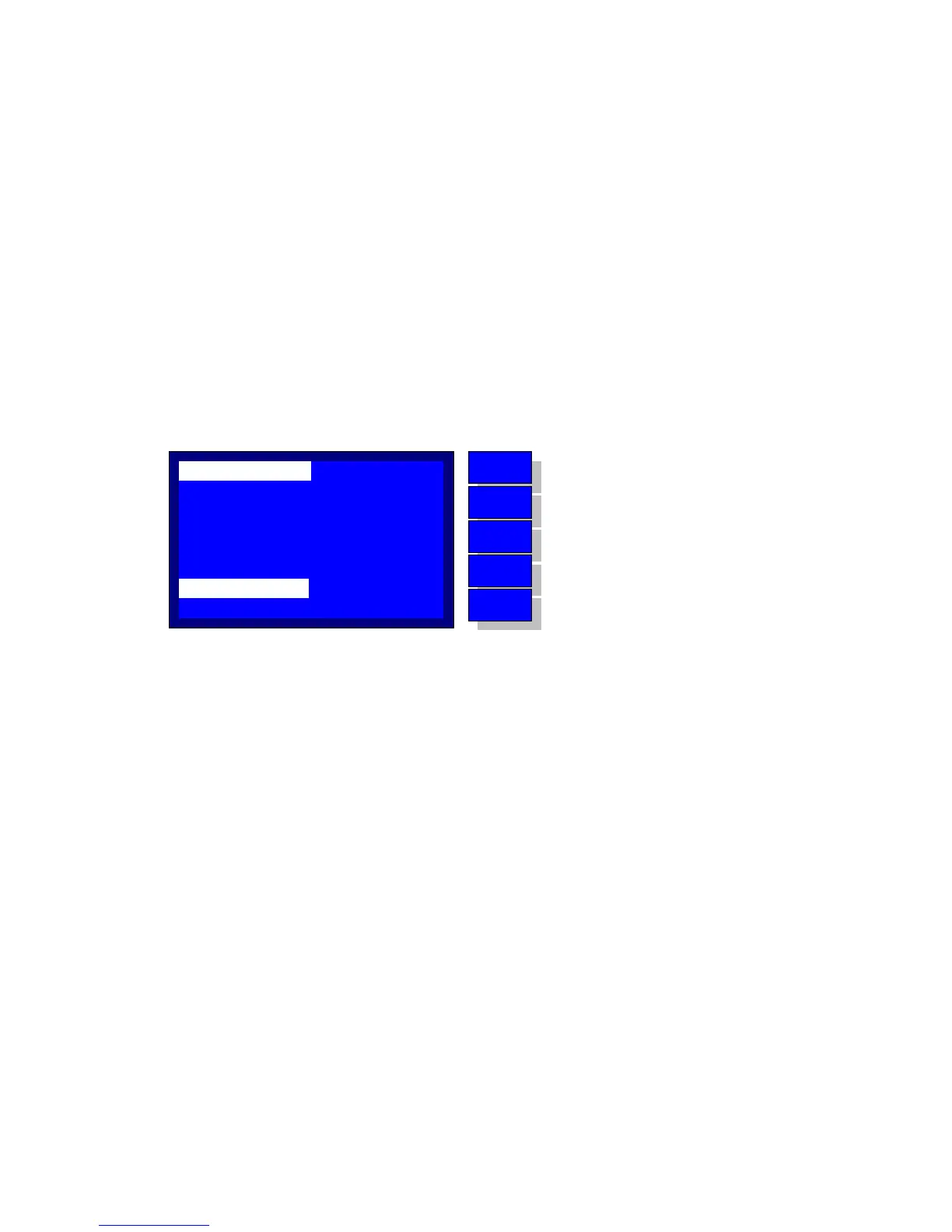
After the History application is selected the system display the screen
depicted on Figure 6-1. The display contains the following information:
1. Result Id of the test - Global ID
2. Name Name of the test
3. Date Date of the test
4. Time Time of the test
5. Temperature Environmental Temperature
6. Breakdown Number of Breakdowns and Mean Value
7. Stage Stage indicator
8. Stage Info Information about the selected stage
Figure 6-1 – History Application
The History Result id is blinking, which indicates that the user can select
upon the test history list. Using the ‘UP’ and ‘DOWN’ keys the user selects
a test id and indicates all the above info. When the desired test is selected
the user may press the ‘ENTER’ key and the Stage ID starts blinking. The
user may use the ‘UP’ and ‘DOWN’ keys in order to examine the stage
information. The latter consists of:
1. Starting Voltage
2. Ending Voltage
3. Occurrence of Breakdown
If the user presses again the ‘ENTER’ key the blinking will revert to the
History Results id again. Using the ‘BACK’ key the user exits the application.
STAGE ID:
NAME:
DATE:
TEMP.:
RESULT ID:
TIME:
BREAKDOWN:
SIMPLE_TEST
01/18/04
12:10
26·C
12, 056.2kV
01 - 1016
01
000.0->058.4 kV,BD
MENU
BACK
DOWN
UP
ENTER
Print Current Result
Return to the Main Menu
Decrease ID for Result or Stage
Increase ID for Result or Stage
Toggle Betwen Result ID and Stage ID



 To Next Page