Chapter 7. Auxiliary Functions
7-3
7.1. Managing Messages
This section describes the management of saved messages.
(1) Functions
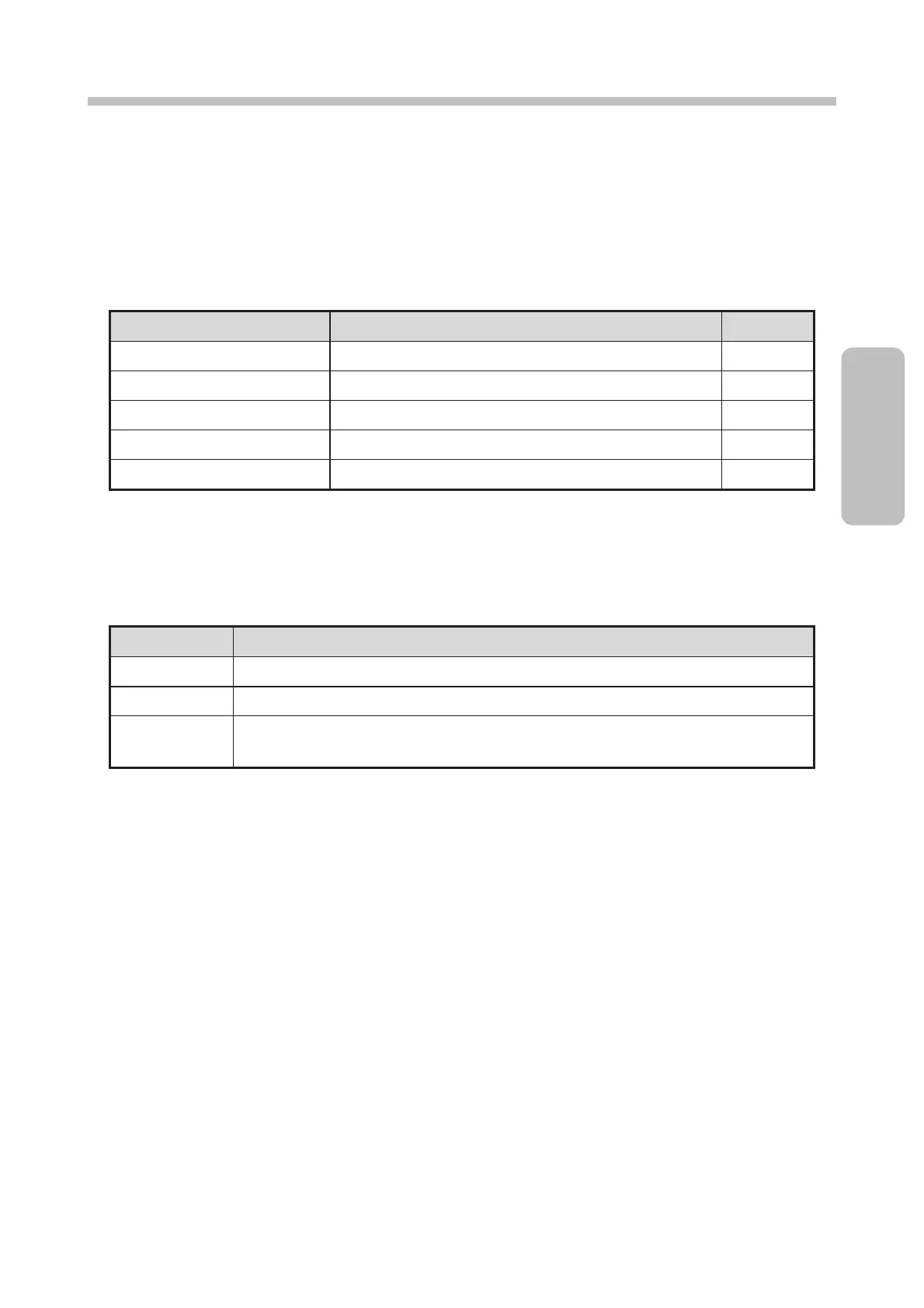
There are five types of functions related to managing saved messages as shown in the table below.
[Manage messages] functions
● Changes the message name of a saved message.
● Deletes a saved message.
● Changes the save number of a stored message.
● Changes the group of a saved message.
● Checks the print image of a saved message.
● Do not turn off the power during the changeover operation.
There are also three types of methods for selecting saved messages as shown in the table below.
Message selection methods
● One message can be selected.
● Multiple messages can be selected.
● Two points in the message name list can be specified to select the messages between
the points.
● For [Multiple] and [Area], the [Change message name], [Change message number], and [Preview] functions
cannot be started.
The following sections describe the procedure for managing messages and the various functions.


 To Next Page