Chapter 7. Auxiliary Functions
7-12
7.2. Managing Groups
This section describes the function to [Manage group] of saved messages.
(1) Functions
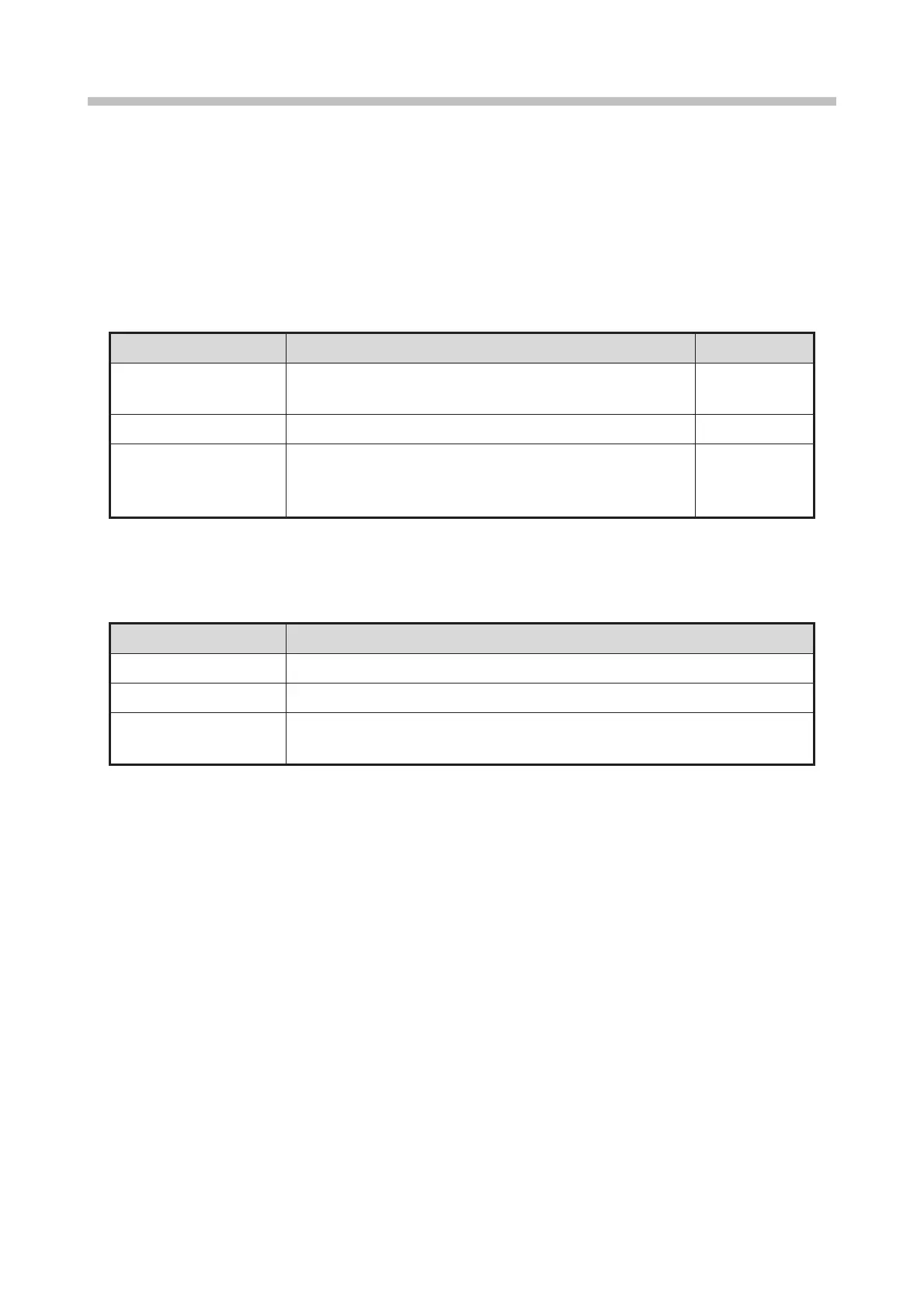
There are three types of functions related to managing groups of saved messages as shown in the table
below.
[Manage group] functions
● Changes a group name.
● Inputs a new group name.
● Deletes a group and the messages belonging to that group.
● Changes the group number.
● For messages belonging to that group, the group number is
changed, but the group name is not changed.
There are also three types of methods for selecting groups as shown in the table below.
Group selection methods
● One group can be selected.
● Multiple groups can be selected.
● Two points in the group list can be specified to select the groups between the
points.
● For [Multiple] and [Area], the [Change/create group name] and [Change group number] functions cannot be
started.


 To Next Page