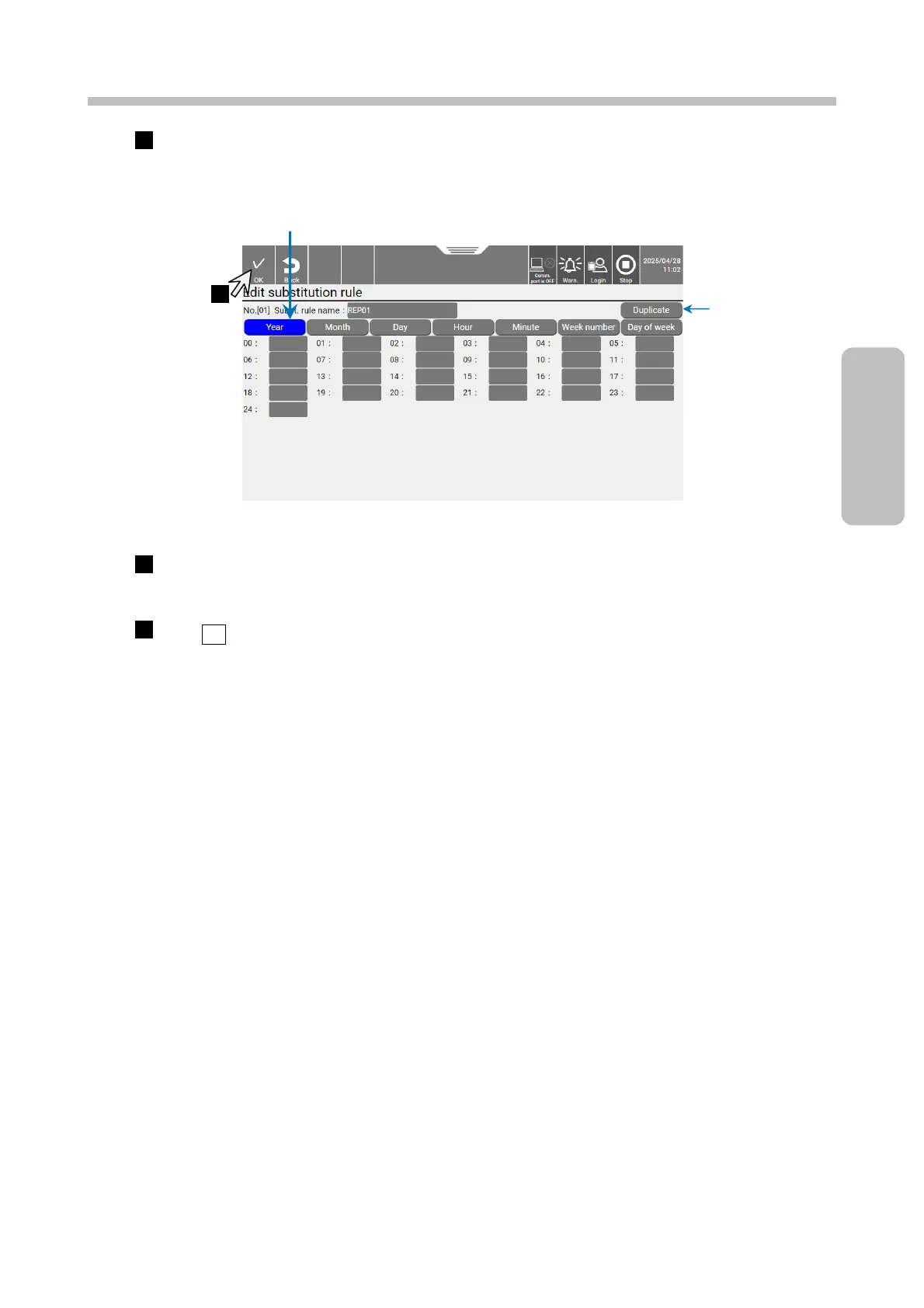
Select the substitution rule you want to edit.
The [Edit substitution rule] screen appears.
Substitution rule type selection screen
Select the substitution rule type [Year], [Month], [Day], [Hour], [Minute], [Week number], or [Day of
week] and input or edit it.
Press OK.
The display returns to the [Edit substitution rule] screen.
Select the substitution rule type [Year], [Month], [Day],
[Hour], [Minute], [Week number], or [Day of week].



 To Next Page